

 Česky (CZK)
 Slovensky (EUR)
 Austria
 Belgium
 Bulgaria
 Croatia
 Denmark
 Estonia
 Finland
 France
 Germany
 Greece
 Hungary
 Italy
Italy Latvia
 Lithuania
 Luxembourg
 Netherlands
 Poland
 Portugal
 Romania
 Slovenia
 Spain
Spain Sweden
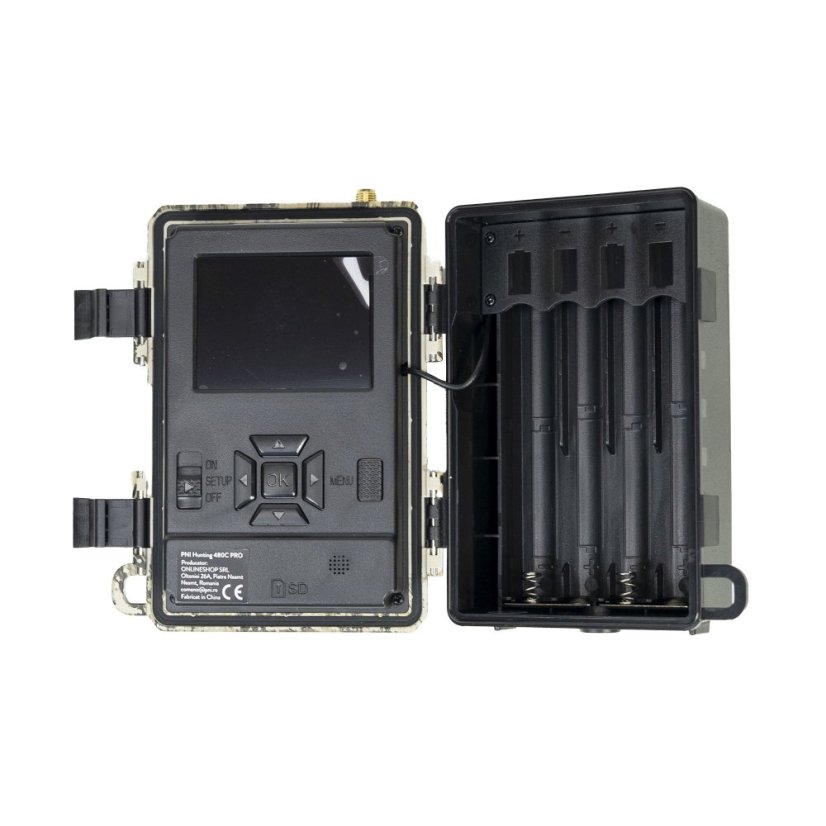
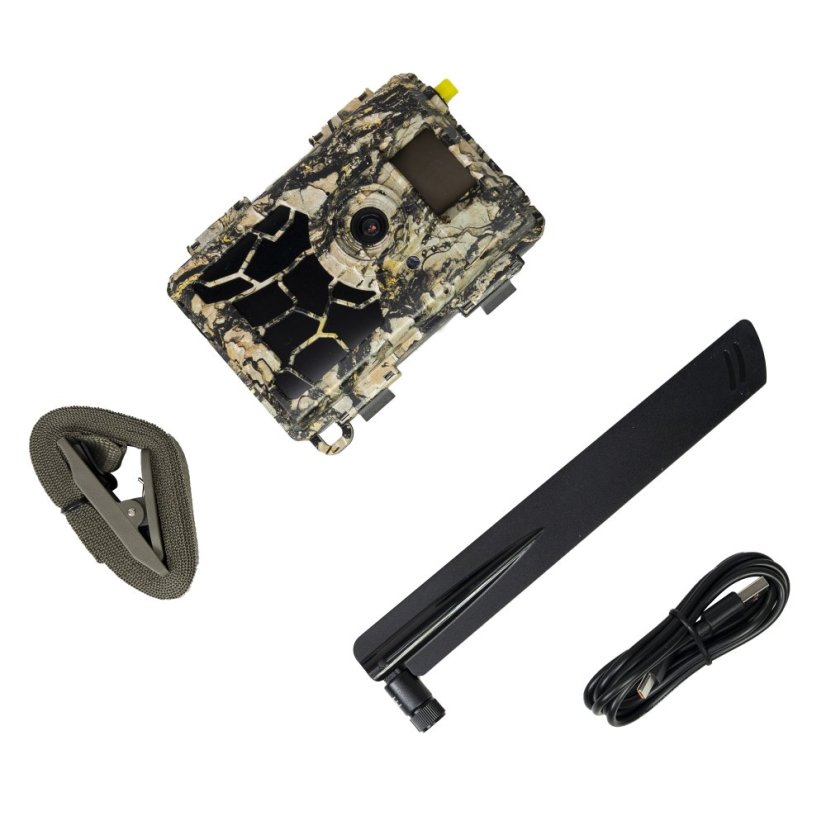
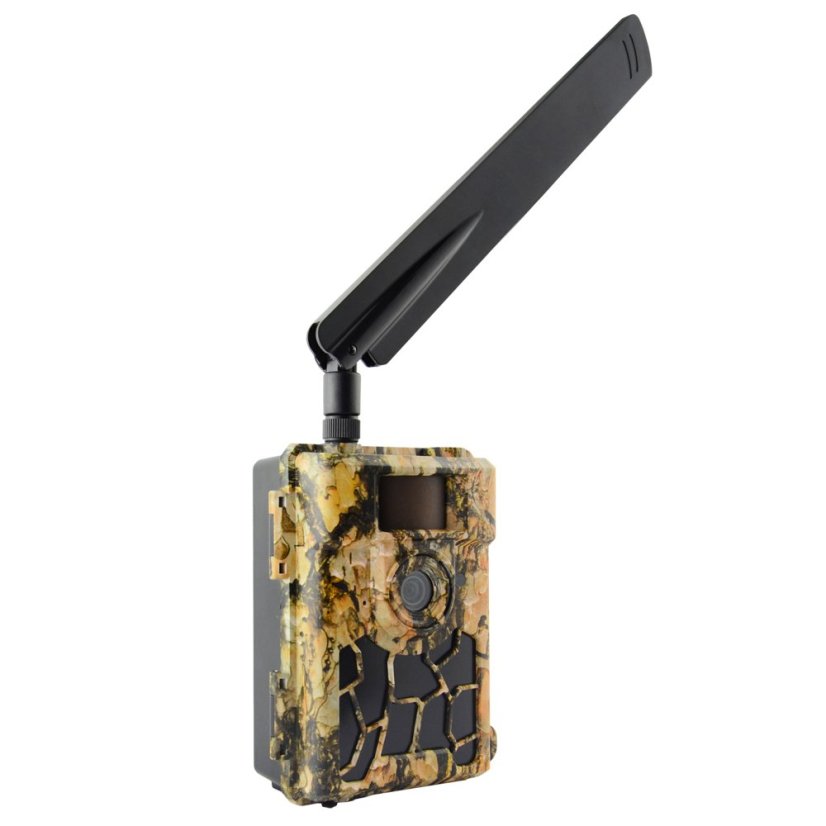
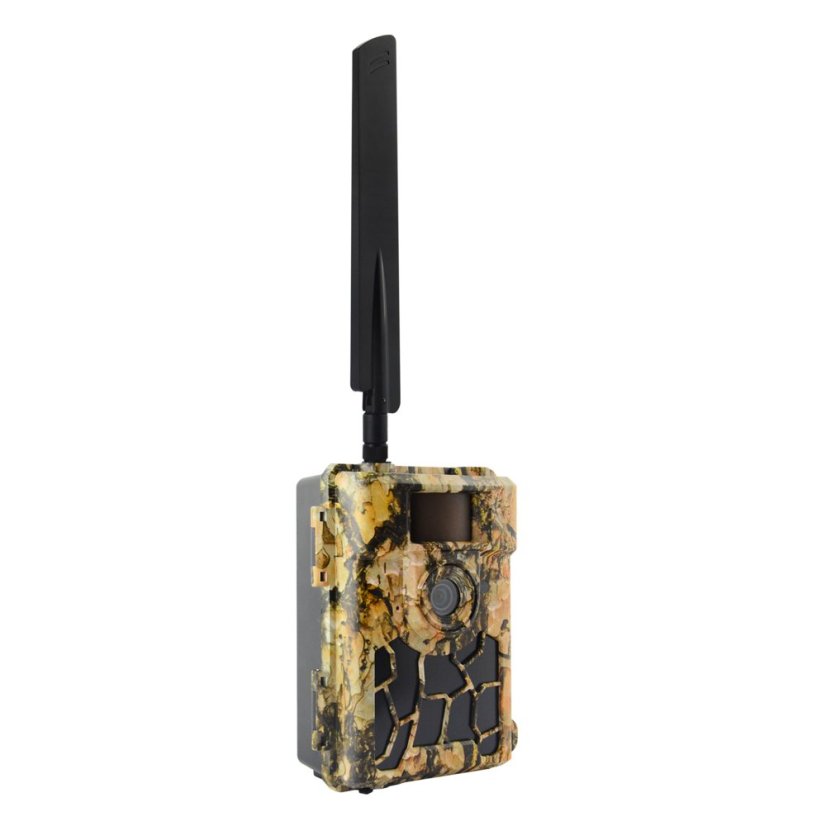
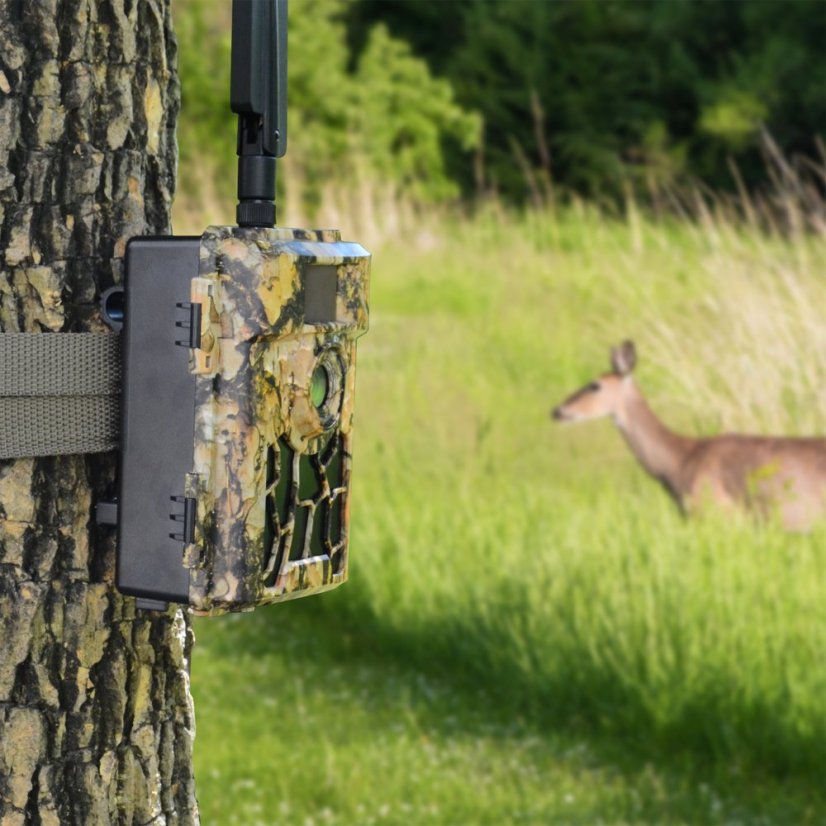
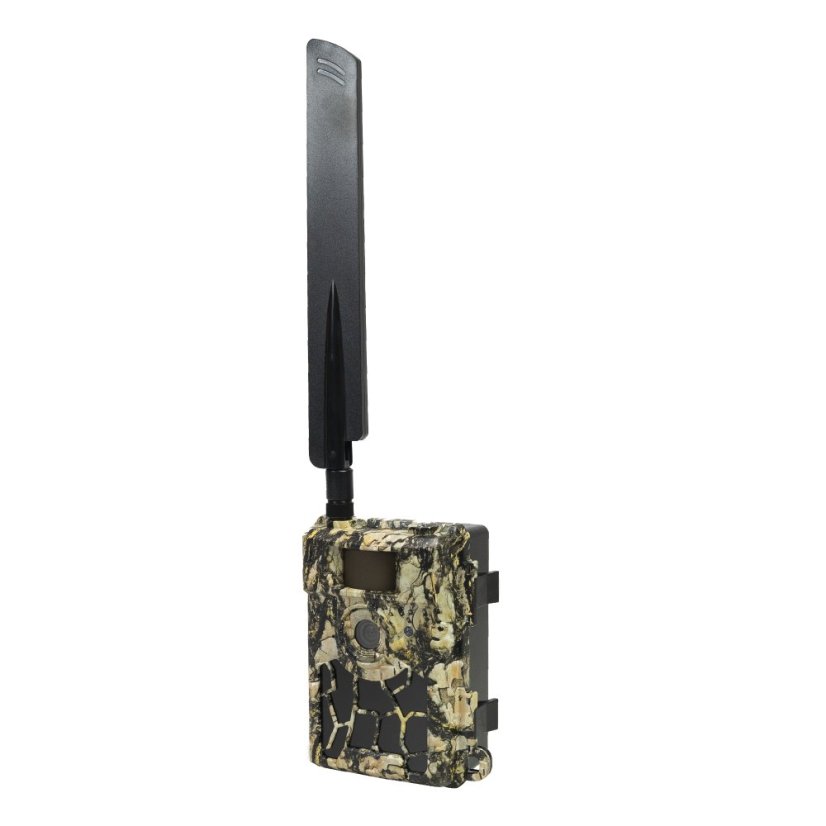
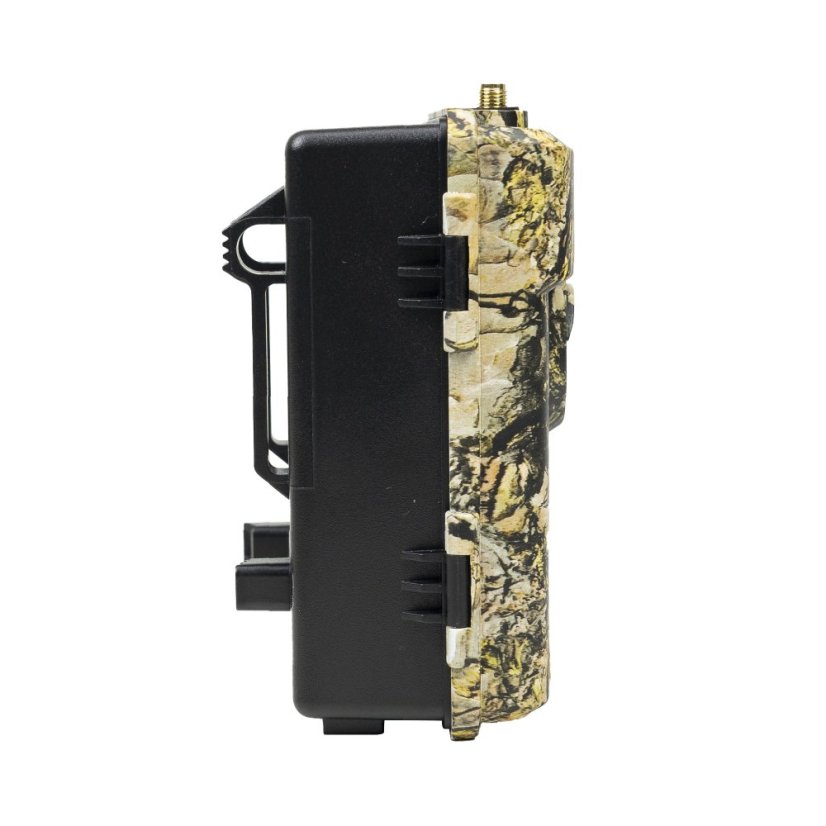
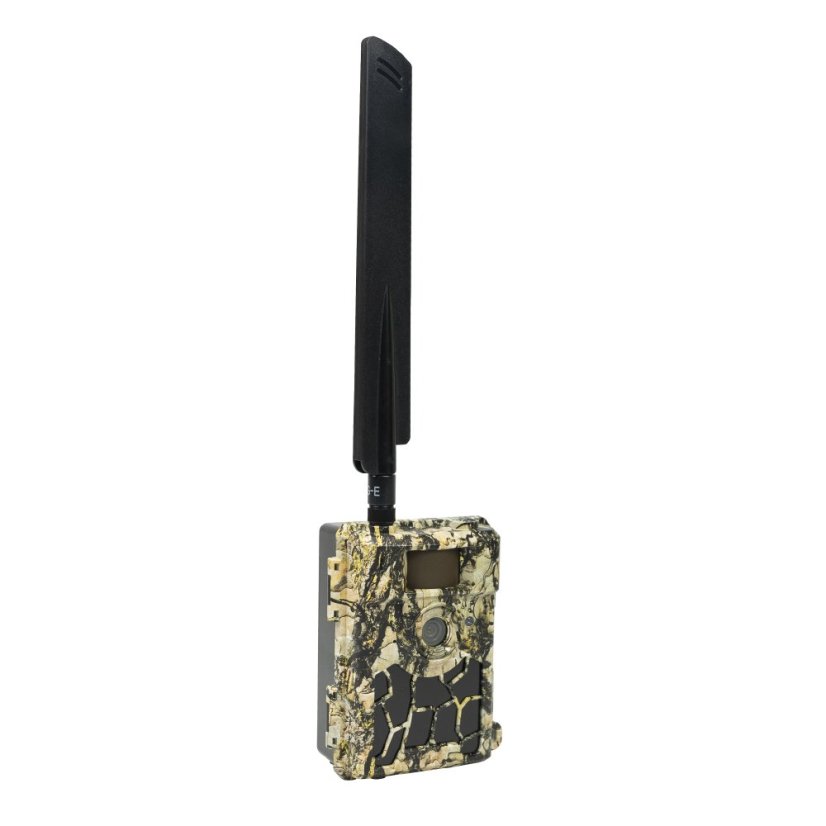
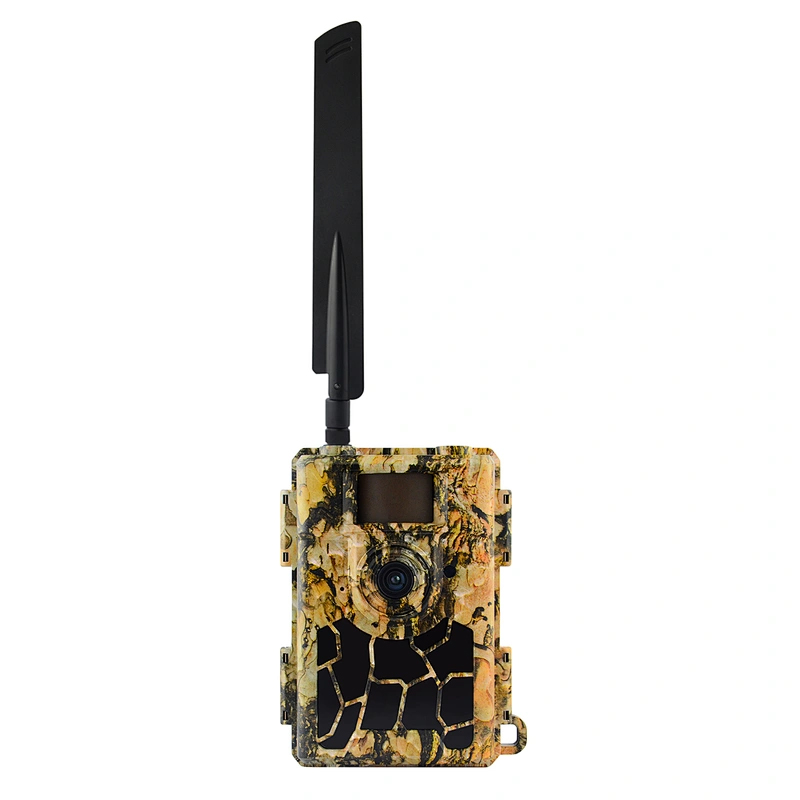
PNI Hunting 480C PRO Game Camera, 24MP, with 4G Internet, GPS, 60° field of view
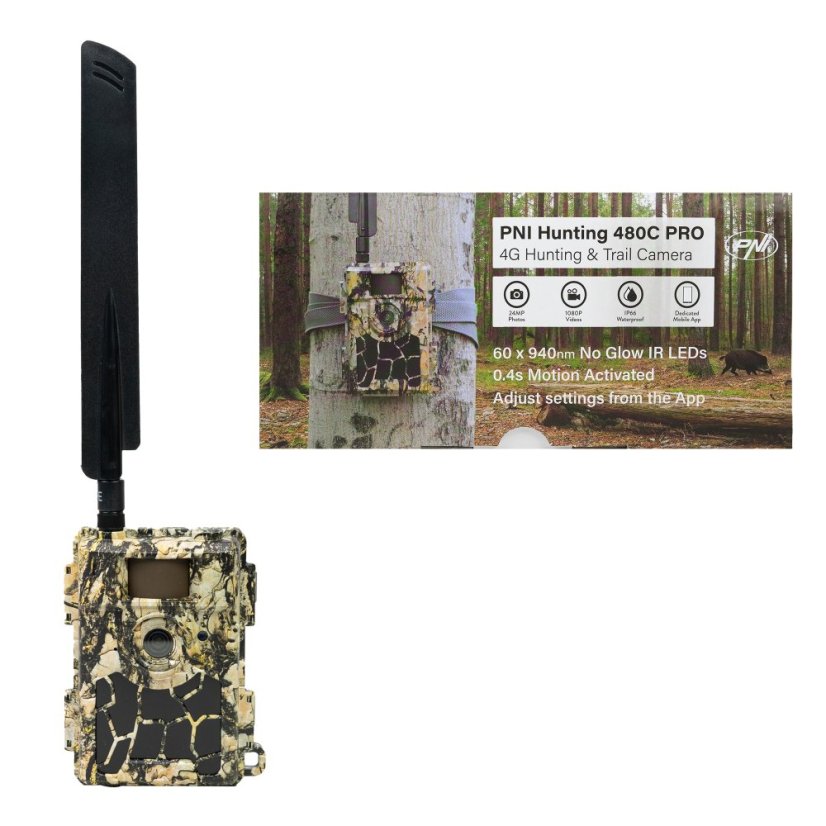
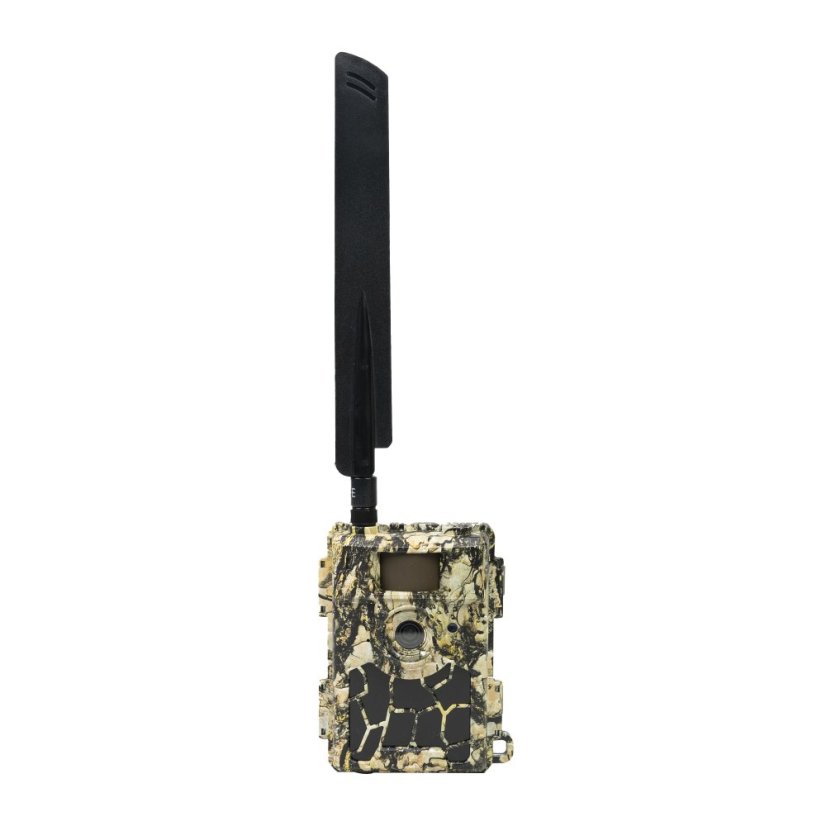


PNI Hunting 480C PRO Game Camera, 24MP, with 4G Internet, GPS, 60° field of view

|
|
|
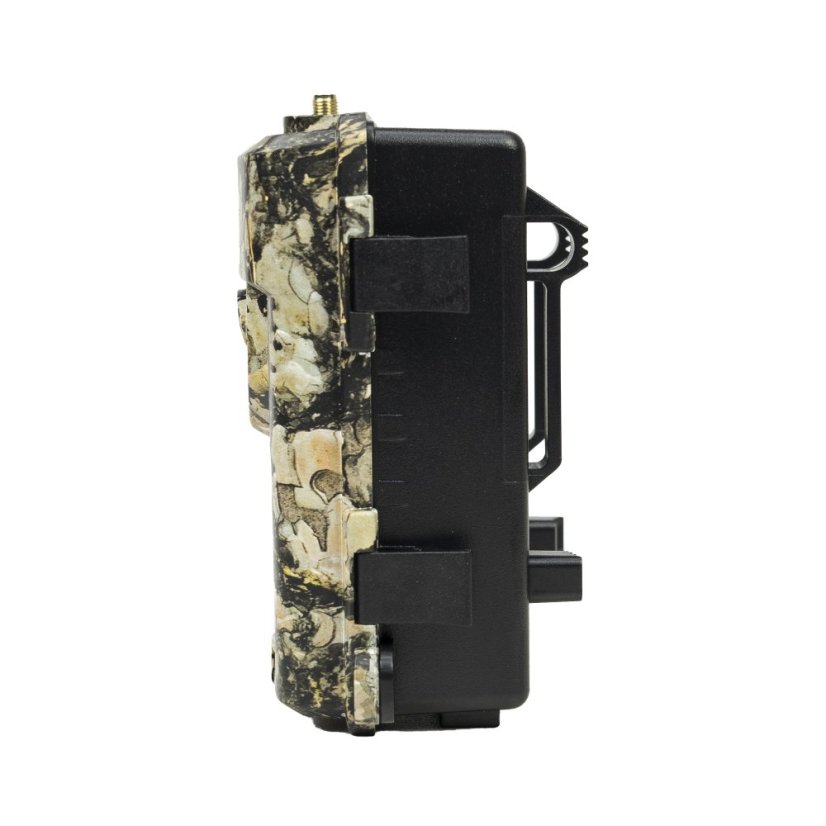
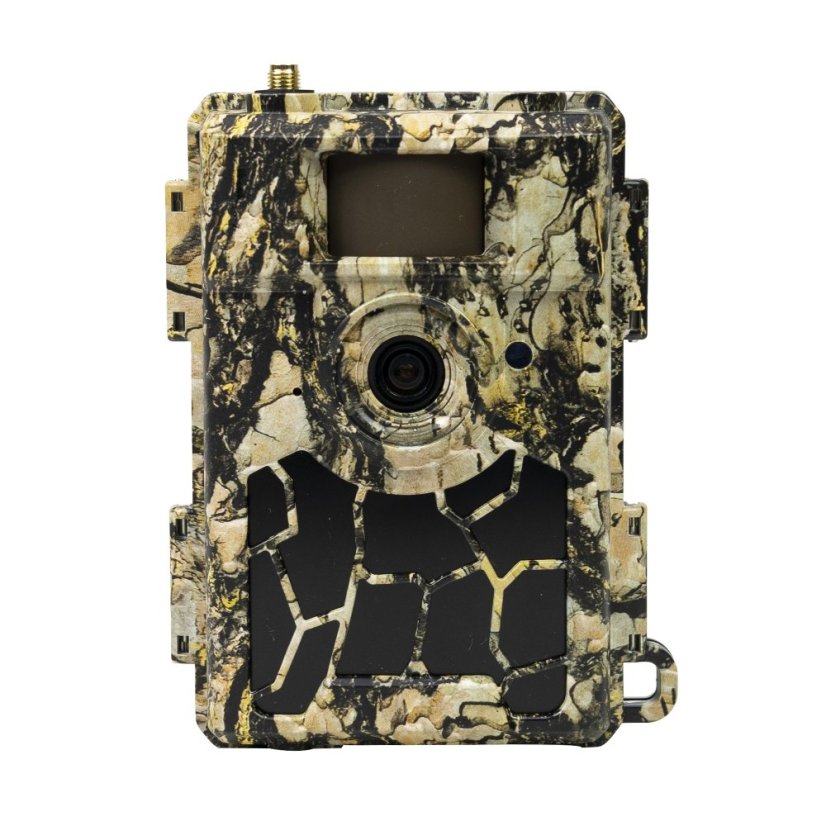
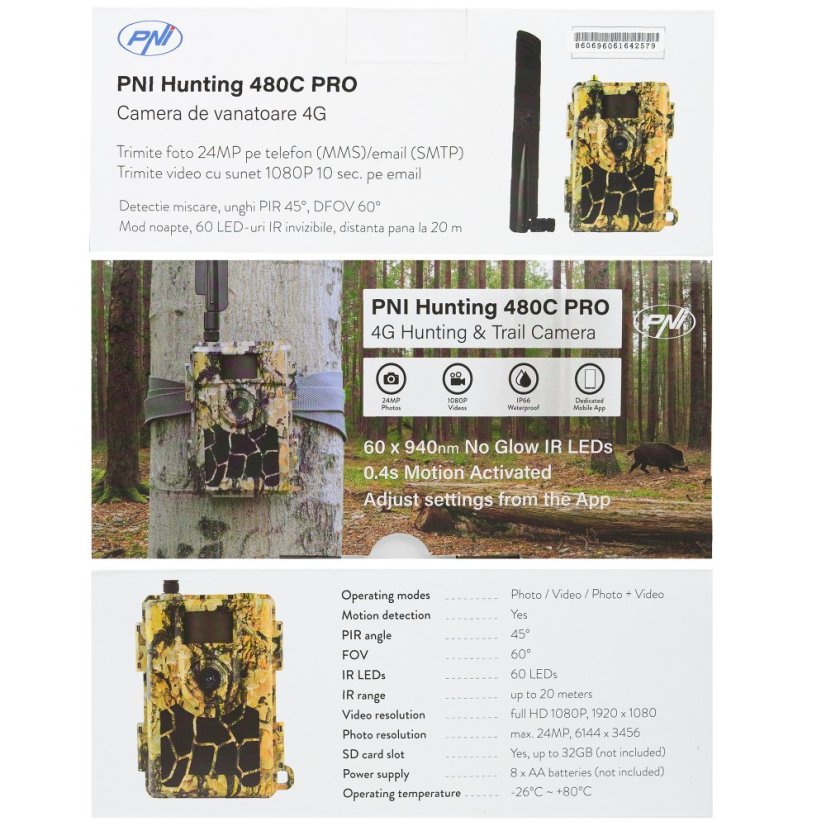
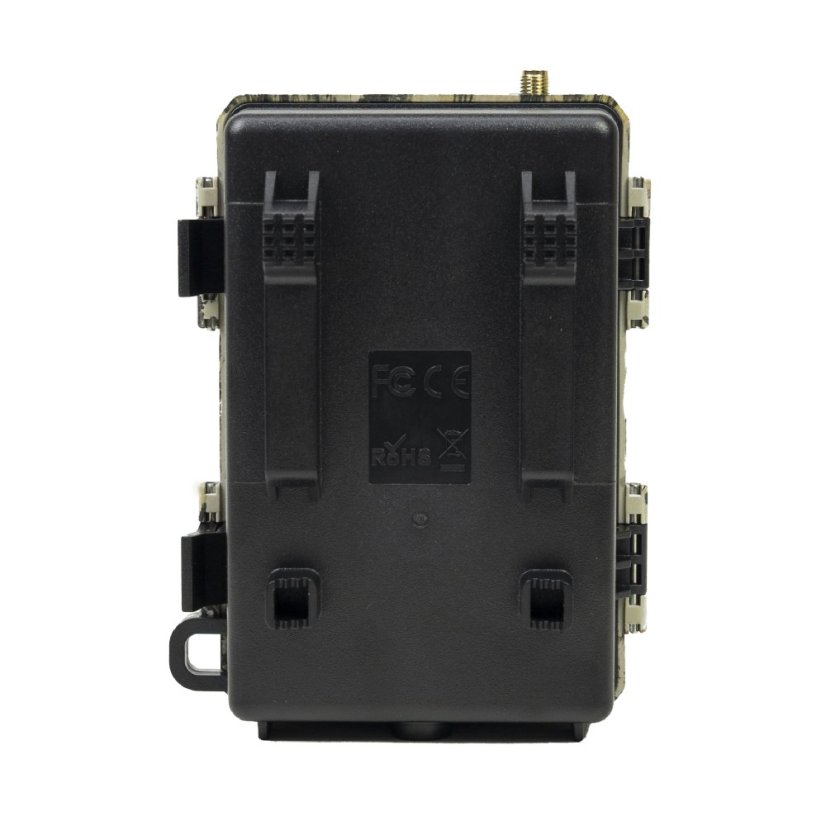
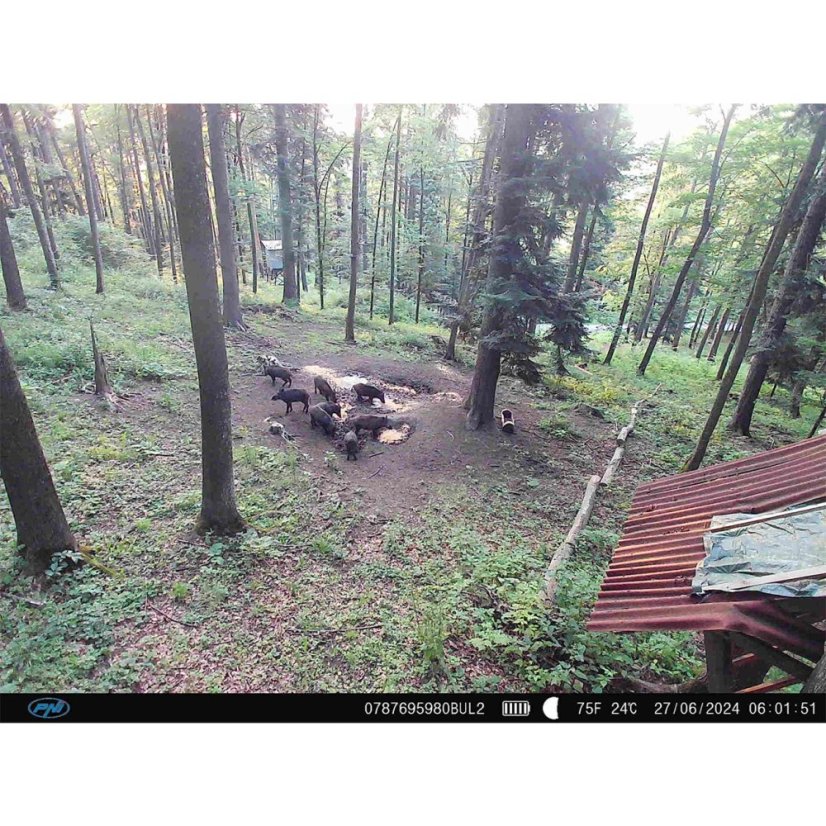
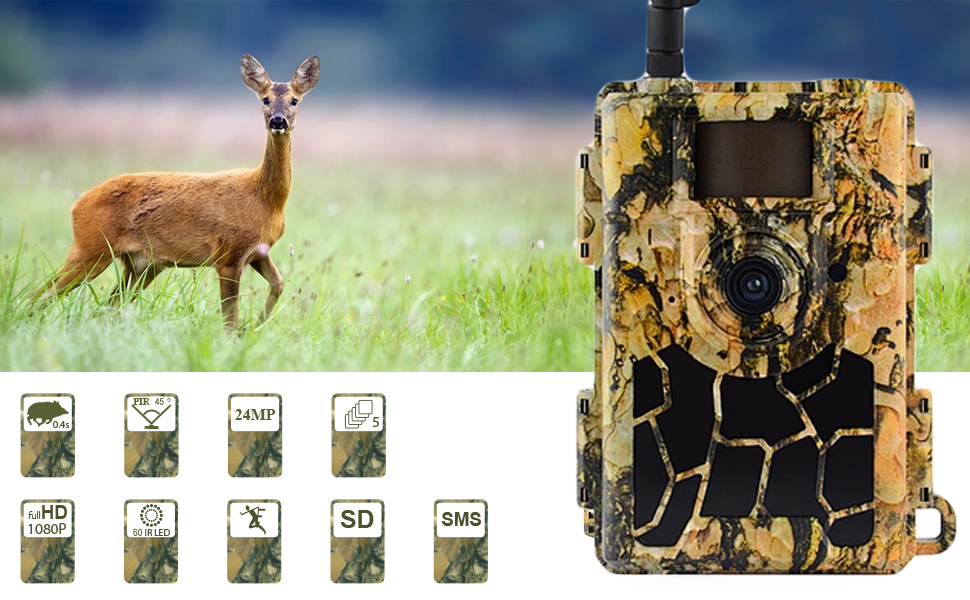
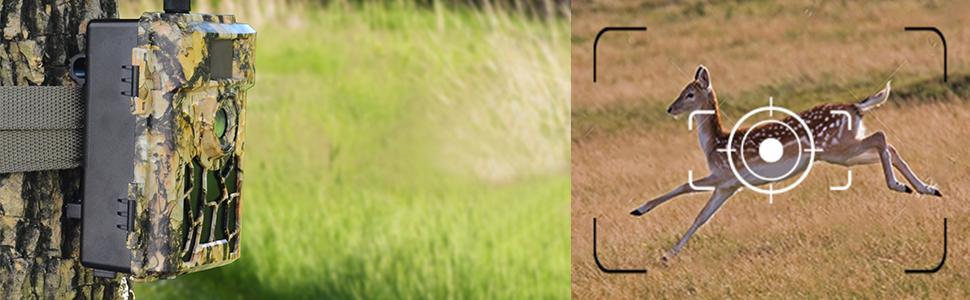
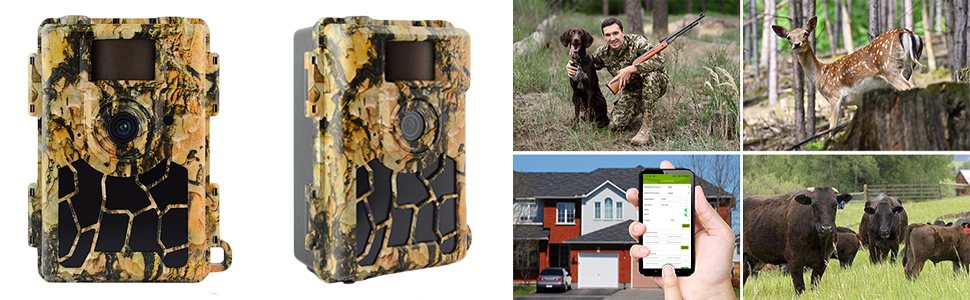
Surprising images reveal the secrets of wildlifeThe built-in motion sensor triggers recording only when the camera detects movement. To avoid false alarms, pay special attention to the location of the camera installation. Remove branches or other elements from its field of view that could cause the camera to trigger due to their movement. The 45-degree PIR angle, the minimum 0.4-second shutter speed and a maximum of 5 consecutive photos ensure that all details and the entire action are captured. The color CMOS sensor, maximum 24MP photos, full HD 1080P video recordings in vivid and bright colors during the day (black and white at night) and the multiple shooting mode offer an unforgettable visual experience. Whether you are watching your home, garden or farm, or watching and monitoring the life and habits of wild animals, the PNI Hunting 480C PRO camera is the most suitable solution. With its small size, camouflage-looking housing and adjustable brightness LEDs (High/Low), the PNI Hunting 480C PRO hunting camera becomes almost impossible to detect. The IP66 class ensures the camera's protection against dust, rain and moisture.
|
|
|
|
|
Send photo (24MP) and video ( 1080P HD video ) by email or phoneWhen it detects movement, the PNI Hunting 480C PRO hunting camera can send photos to up to 4 phone numbers via MMS and photos or videos to 4 email addresses via SMTP. Photos sent via SMTP and FTP / FTPS have a selectable size: Small (640x480), Bigger (1920x1440) or Original (5M / 8M / 12M / 24M) depending on the Image Size settings in the camera menu. A new feature is sending via FTPS, a secure way of transmitting photos that ensures encryption and high data security. |
|
|
|
|
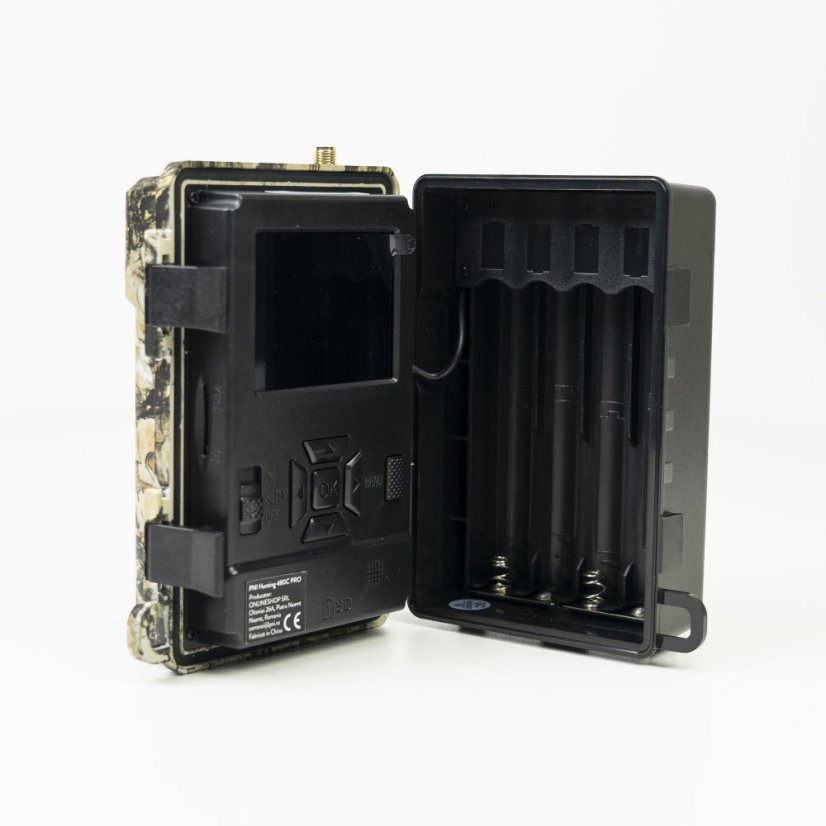
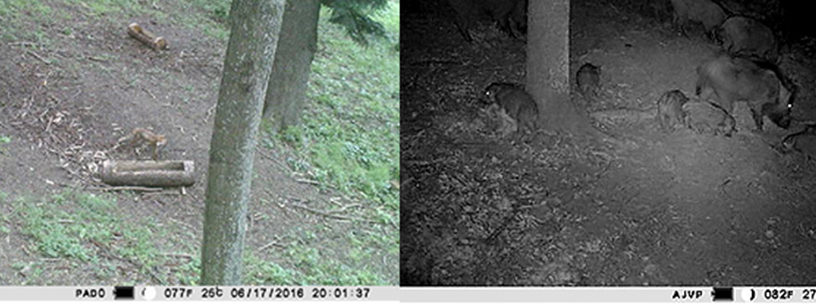
Clear images day and night. "No Glow" infrared technology (no reflection)The PNI Hunting 480C PRO hunting camera has all the tools even an inexperienced user needs: LCD screen for programming the camera, IR LEDs for night recording, motion sensor to activate the camera only when animals pass by, narrow-angle lens (60°) for high-quality precision and resolution and micro SD card slot of up to 32GB for saving recordings (micro SD card not included). Recommendation: format the SD/micro SD card before use.
|
|
|
|
|
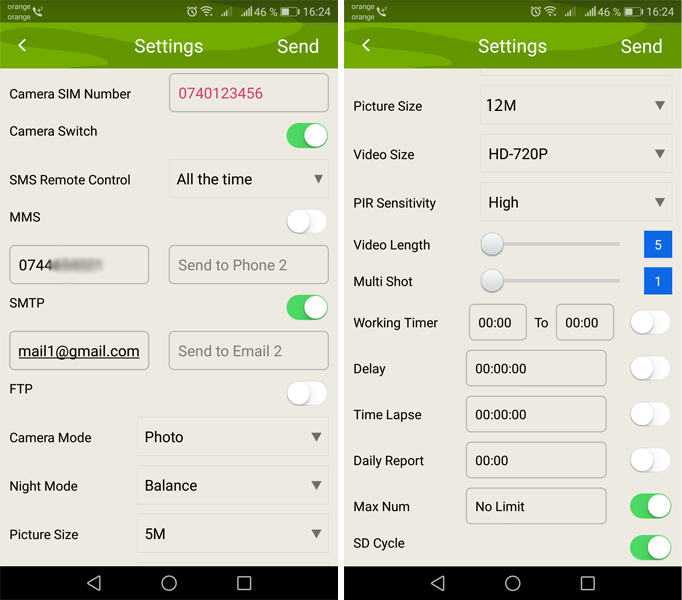
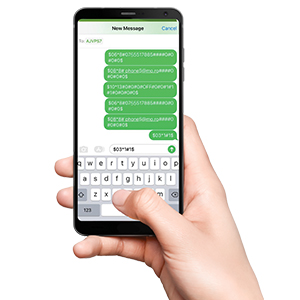
GSM 4G moduleWith the built-in 4G module, with a 4G SIM card, the PNI Hunting 480C PRO sends large-size photos to email and FTP or FTPS server and MMS photos (640x480) to the mobile phone. Through the free Trail Camera application (Android / iOS) , the user can make basic camera settings and obtain real-time images remotely. - Add the Name and Phone Number of the SIM card in the Trail Camera mobile app . - Copy the settings below and change only the phone numbers and email address with your own. - Send the settings to the camera by pressing the Send button . - The camera will respond with an SMS "SMS commands executed successfully!" - Give the command from the Get a picture application : and you will receive the same SMS "SMS commands executed successfully!" and an email with the picture taken by the camera. - If it does not work, it means that the product does not have a GSM signal - and the camera must be taken out into the open field. Wait for at least 2 signal bars to appear. At the same time, check the camera settings, carefully consulting the product manual.
|
Configure the camera to use a Gmail account
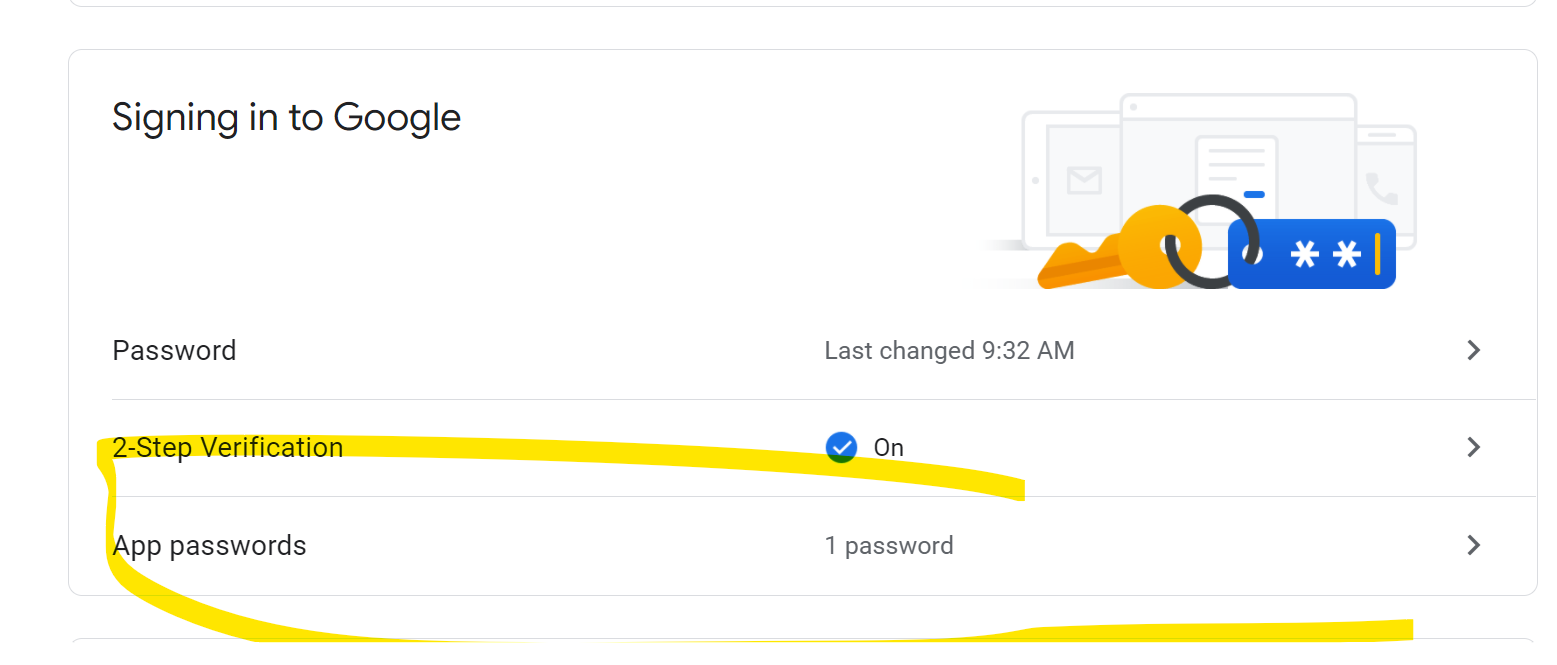
• In your Gmail account, access the "Security" menu and activate the 2FA option.
• The first time you will be asked to confirm by code received via SMS, then switch to 2FA on Google Authenticator (optional)
• After activating 2FA, the 'App passwords' option appears
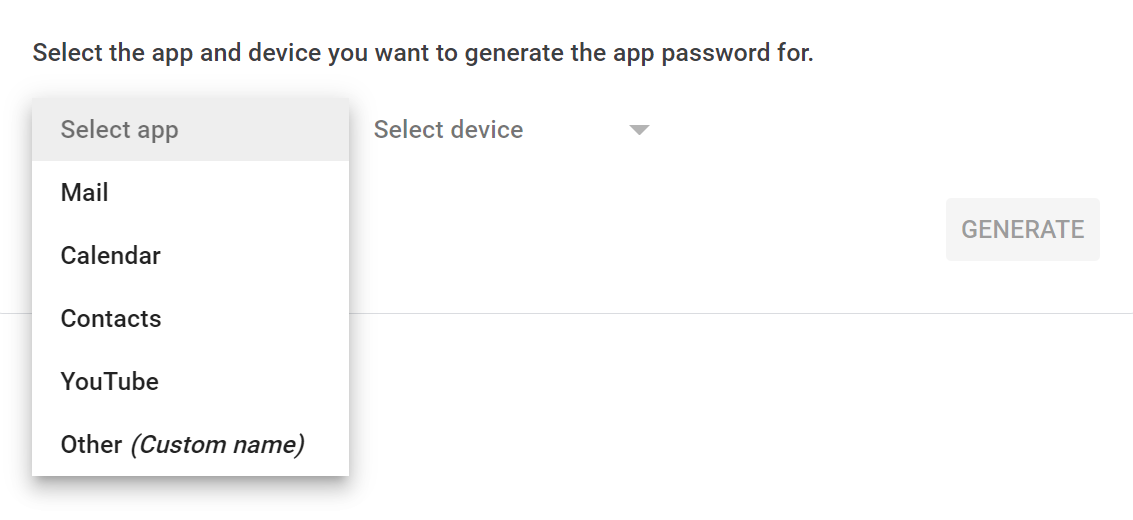
• There we select "Mail" in the app, then in Device "Other" and give it a name
• A password will be generated that can be used instead of the email account password for authentication on a device such as a camera or printer.
Video presentation |
|
PNI Hunting 480C PRO Hunting Camera English VersionPNI Hunting 480C PRO hunting cameraSecurity housing for the PNI Hunting 480C PRO hunting camera |
| Category / Parameter | Value |
|---|---|
| Product identification | |
| Manufacturer | PNI |
| Product code | PNI-HU480C-PRO |
| Color | Camouflage |
| Features | |
| Image sensor | 5MP color CMOS |
| Night vision | up to 20 m |
| Lens | F=2.0; FOV=60° |
| LCD display | 2 inch |
| IR LEDs | Yes, 60 pcs |
| Image format | JPEG |
| Video format | AVI |
| Video length | 5–60 sec (adjustable) |
| Trigger speed | 0.4 sec |
| Trigger interval | 4–7 sec |
| Operating temperature | -26°C ~ +80°C |
| Dimensions | 125 × 75 × 85 mm |
| Weight | 260 g |
| Power supply | 8× AA batteries |
| Battery type | Alkaline / Li-Ion / NiMH |
| Minimum illumination | 0 Lux |
| GPRS | No |
| MMS | Yes |
| Protection class | IP66 |
| Motion sensor | Yes |
| Photo resolution | 24MP (5632 × 4224) |
| Video resolution | 1080P (1920 × 1080) |
| Instant image sending | Yes (email, MMS, FTP) |
| Microphone | Yes |
| Mode | Photo / Photo+Video / Video |
| Day/Night sensor | Yes |
| PIR distance | up to 20 m |
| PIR angle | 45° |
| Burst mode | 1–5 shots |
| Remote configuration | Yes, via app |
| App | TrailCamera |
| Viewing angle | 60° |
| Connectivity | |
| USB | Yes |
| Card slot | SD up to 32 GB |
| SIM slot | Yes |
| Package content | |
| Hunting camera | Yes |
| USB–miniUSB cable | Yes |
| GPRS antenna | Yes, 2 pcs |
| Mounting strap | Yes |
| SIM adapter | Yes |
| Protection rating |

|
|---|---|
| Voltage | Akumulátor |
| Use | Outdoor |
| Special Features |


|
| Resolution | 5mp, 24MP |
| Maximum resolution | 1920 × 1080 |
| Application | TrailCamera |
| Memory | Slot SD max32gb |
| Viewing angle | 60° |
| Lighting | Infračervené |
| Manufacturer's representative in the EU | PNI |
|---|---|
| Address of representative in the EU | Olteniei 26A, Piatra Neamt, Romania |
| EU representative email | contact@pni.ro |
Related products5
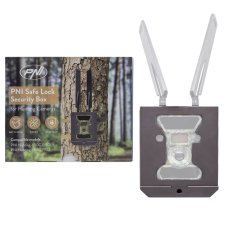
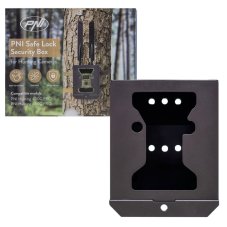
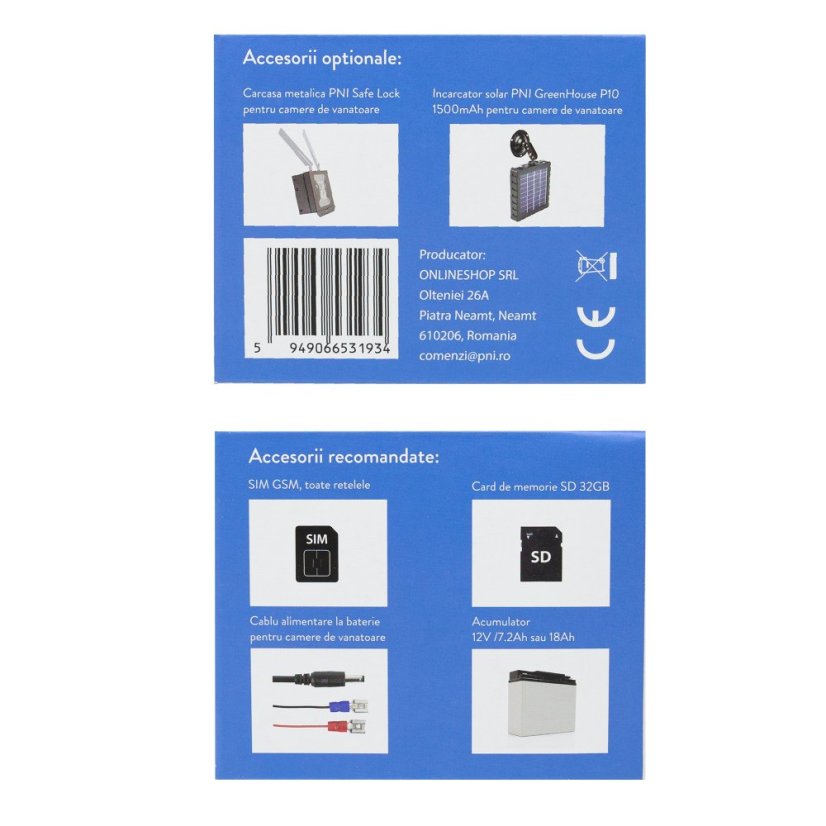
Bezpečnostní kovové pouzdro PNI Safe Lock pro lovecké kamery PNI Hunting 400C PRO a PNI Hunting 480C PRO
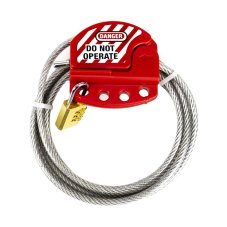
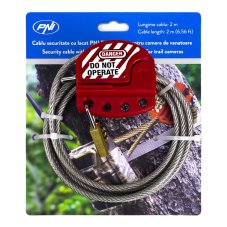
PNI Smart Lock Security Cable with Padlock for PNI 400C, 350C, 280C, and 480C Hunting Cameras
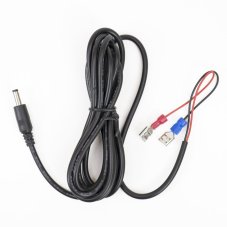
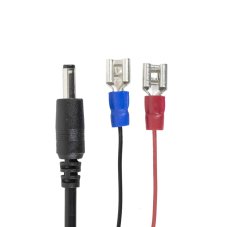
Battery power cable for trail cameras, length 1.5 m, plug diameter 4 mm, compatible with PNI 400C, PNI 350C, PNI 280, 400C PRO, and 550C.
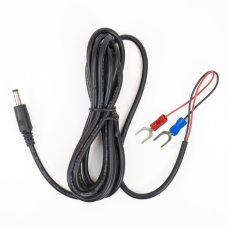
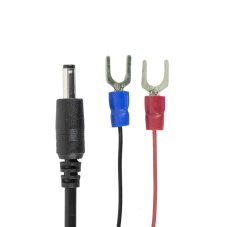
Battery power cable for hunting cameras, 1.5 m long, U-type connectors
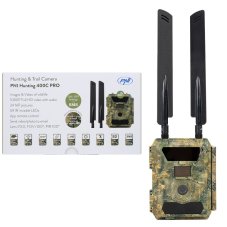
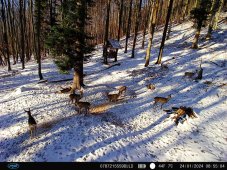
PNI Hunting 400C PRO 24 MP Game Camera with 4G LTE Internet Connectivity and GPS, 1080p, Night Vision
Alternative products7
PNI Hunting 400C PRO 24 MP Game Camera with 4G LTE Internet Connectivity and GPS, 1080p, Night Vision
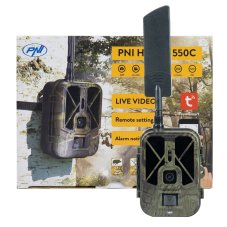
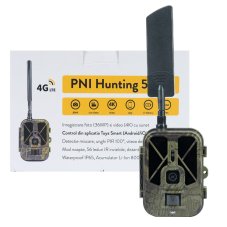
PNI Hunting 550C Game Camera with 4G LTE Internet Connectivity, including an 8000 mAh rechargeable battery
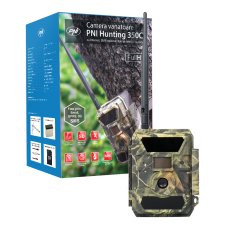
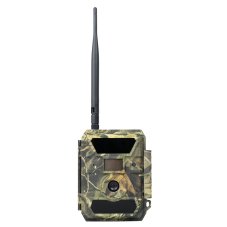
PNI Hunting 350C 12MP Game Camera with 3G, SMS, Email, FTP, 1080p, and Night Vision
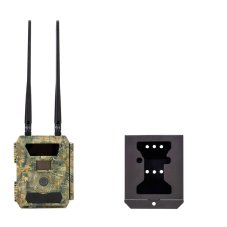
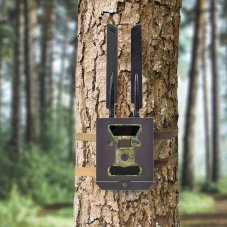
The PNI Hunting 400C PRO 24MP game camera kit includes a security housing
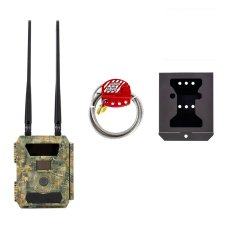
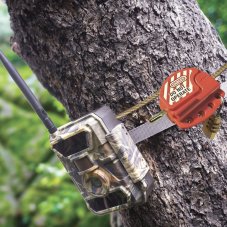
The PNI Hunting 400C PRO 24 MP game camera kit includes a housing and a security cable
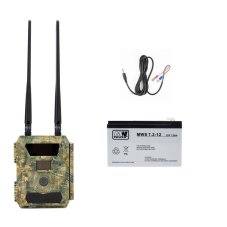
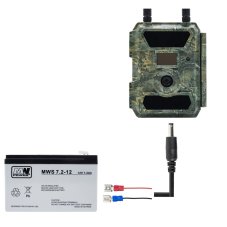
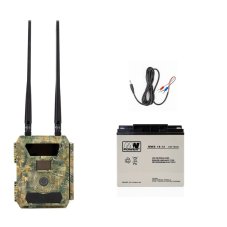
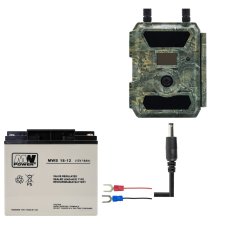
PNI Hunting 400C PRO 24MP Game Camera Kit with 7.2Ah Battery and Power Cable