

 Česky (CZK)
 Slovensky (EUR)
 Austria
 Belgium
 Bulgaria
 Croatia
 Denmark
 Estonia
 Finland
 France
 Germany
 Greece
 Hungary
 Italy
Italy Latvia
 Lithuania
 Luxembourg
 Netherlands
 Poland
 Portugal
 Romania
 Slovenia
 Spain
Spain Sweden
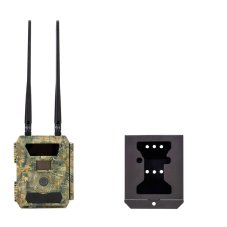
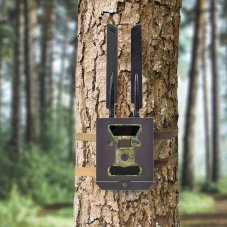
The PNI Hunting 400C PRO 24 MP game camera kit includes a housing and a security cable
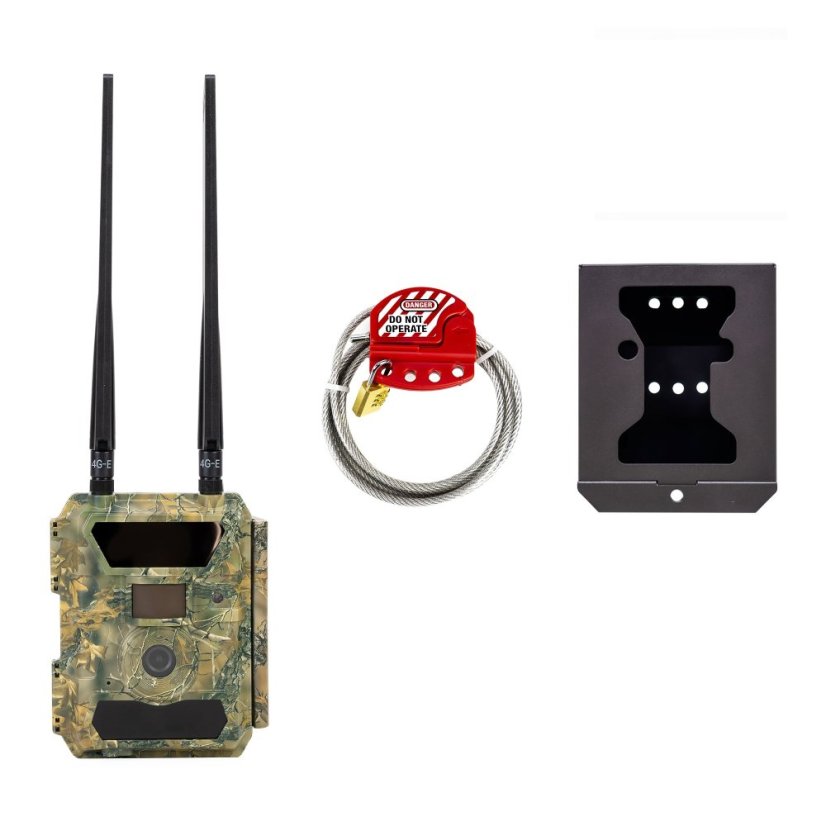
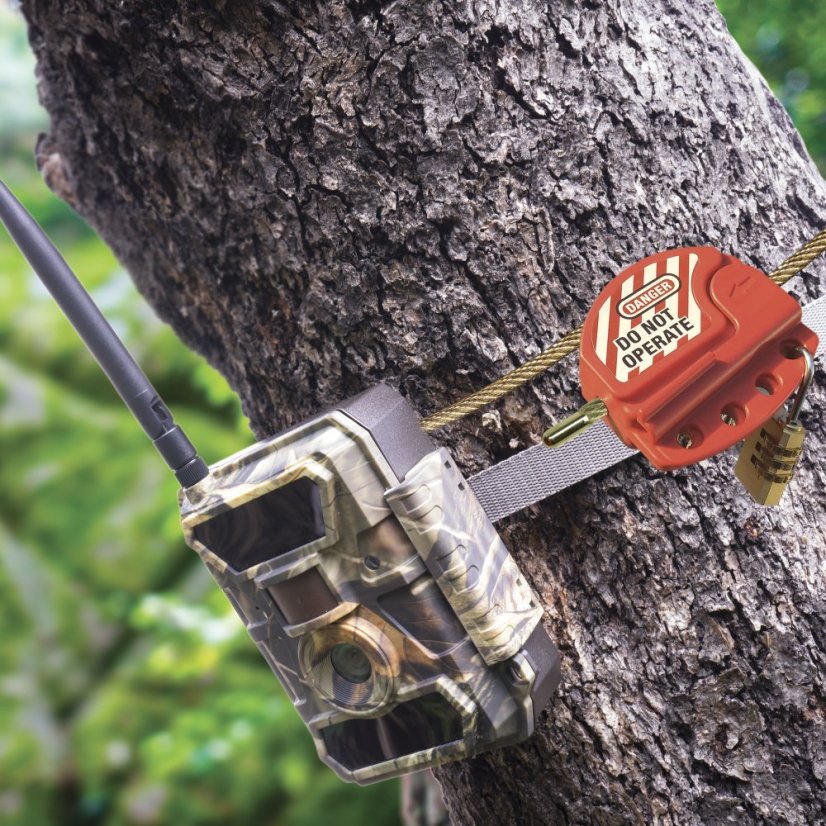
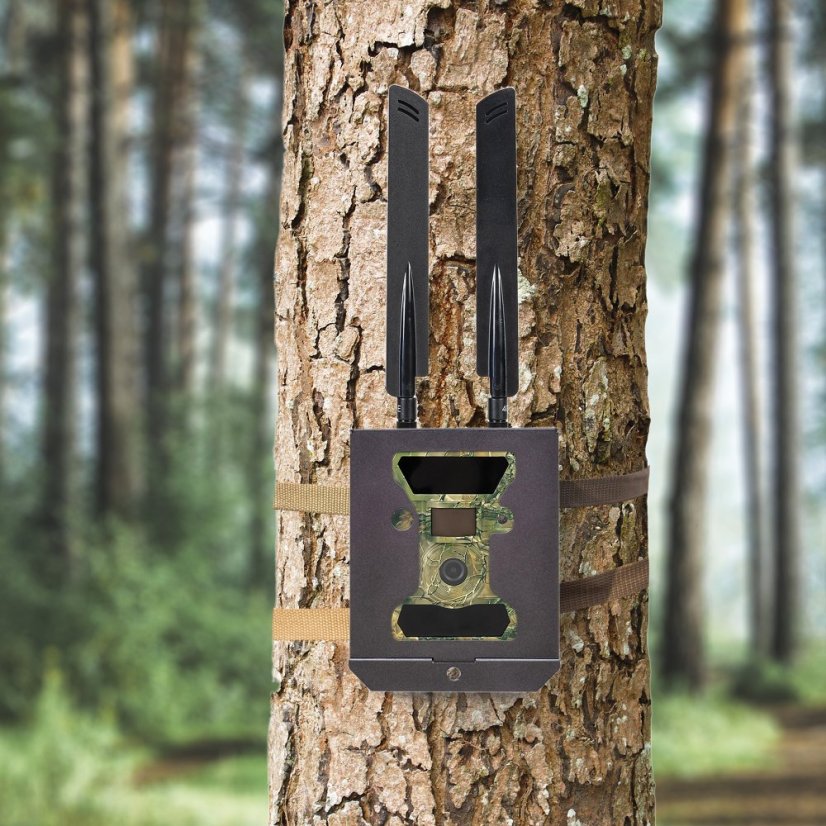
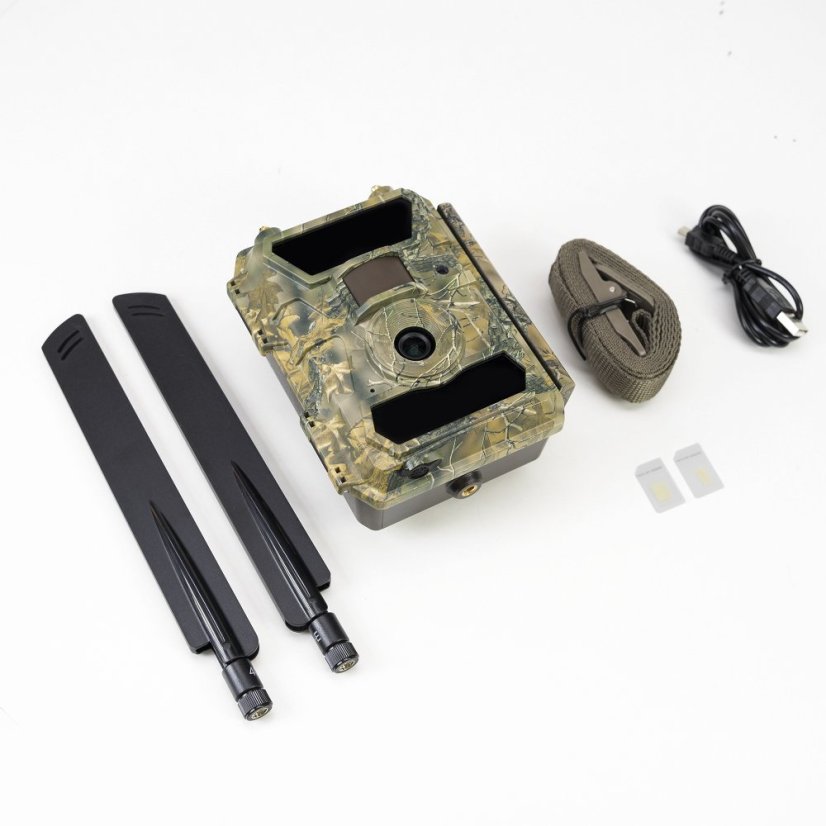
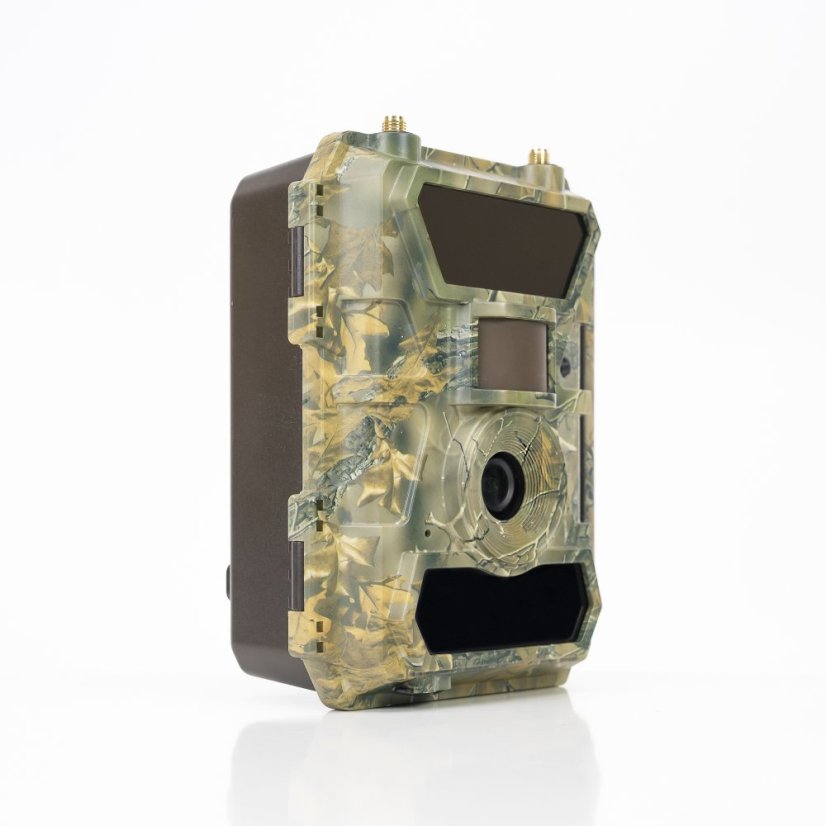
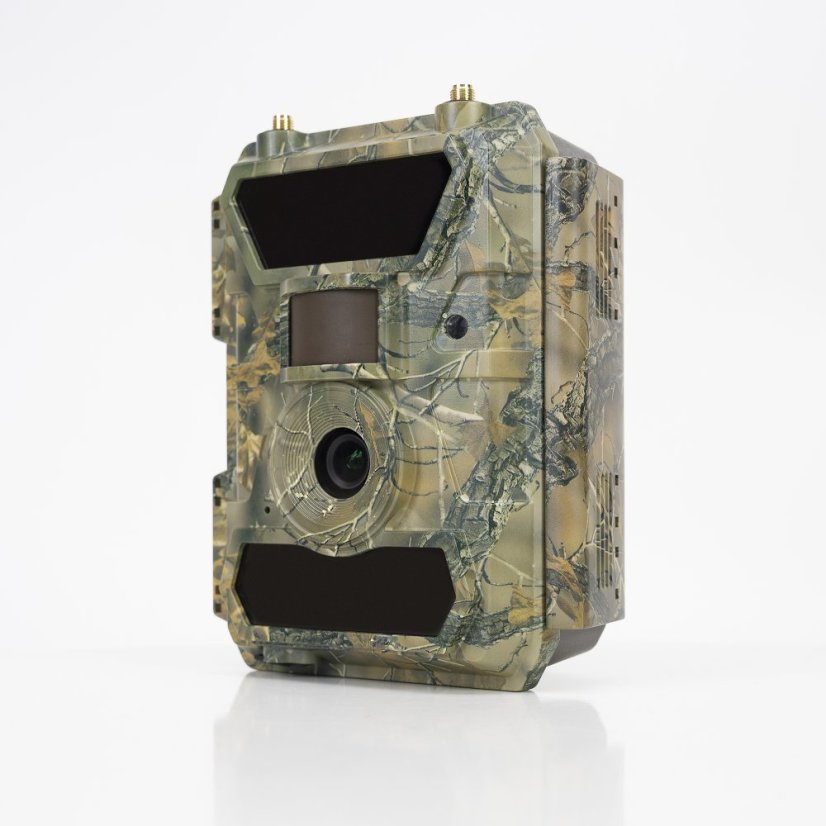

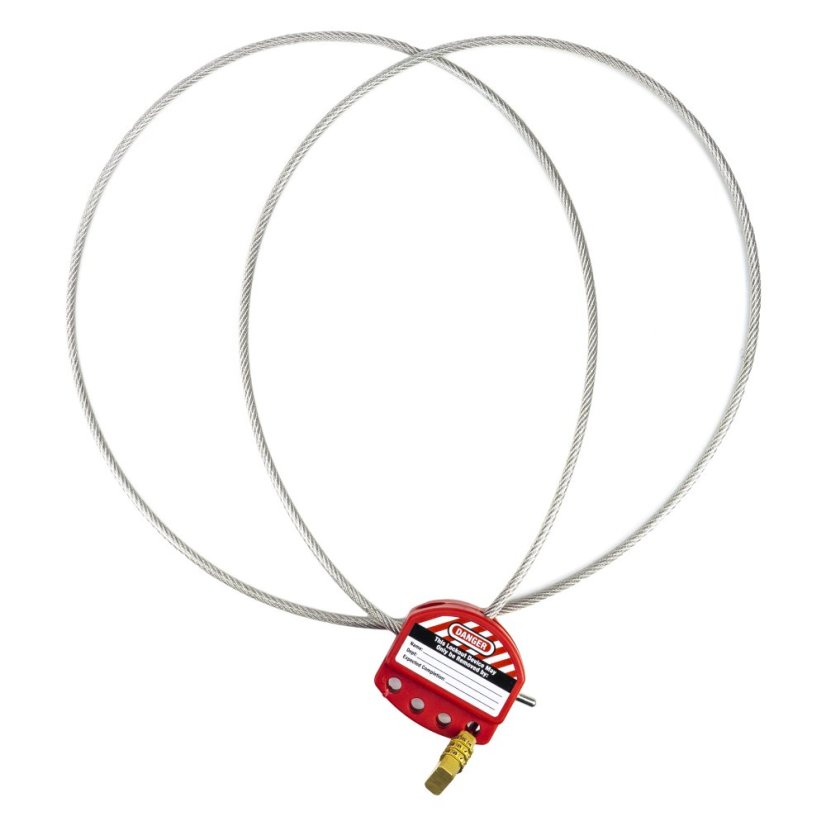
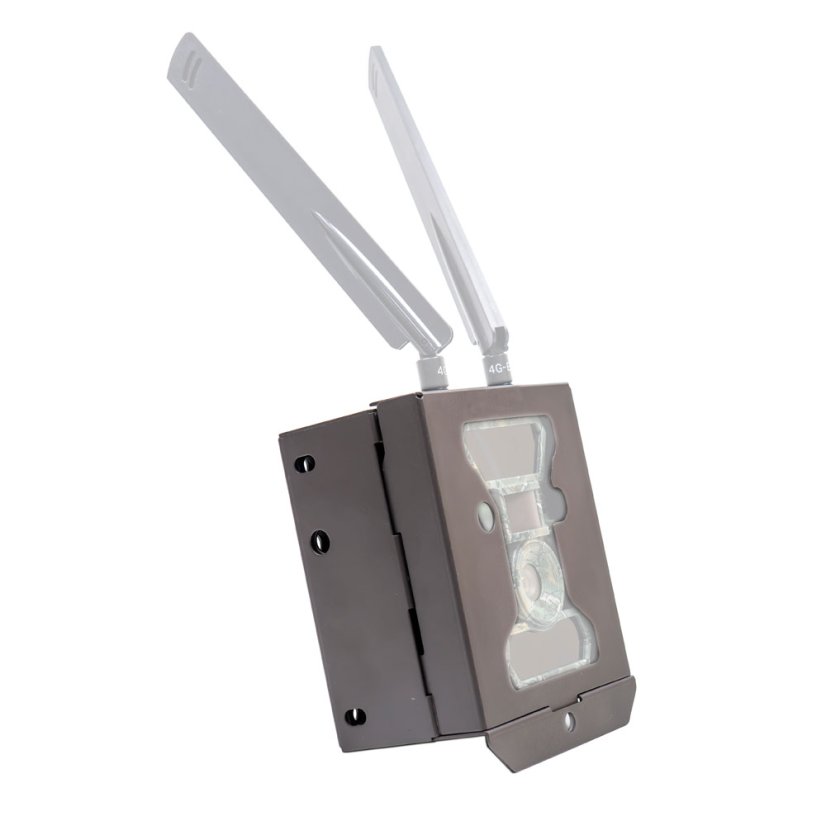


The PNI Hunting 400C PRO 24 MP game camera kit includes a housing and a security cable

Products in a set - save 16 Eur3
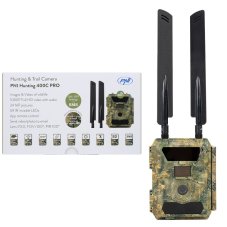
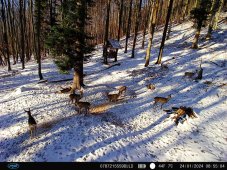
PNI Hunting 400C PRO 24 MP Game Camera with 4G LTE Internet Connectivity and GPS, 1080p, Night Vision
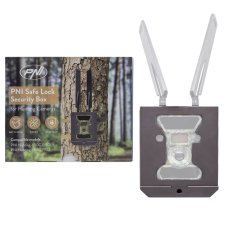
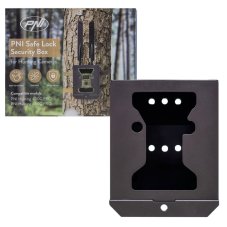
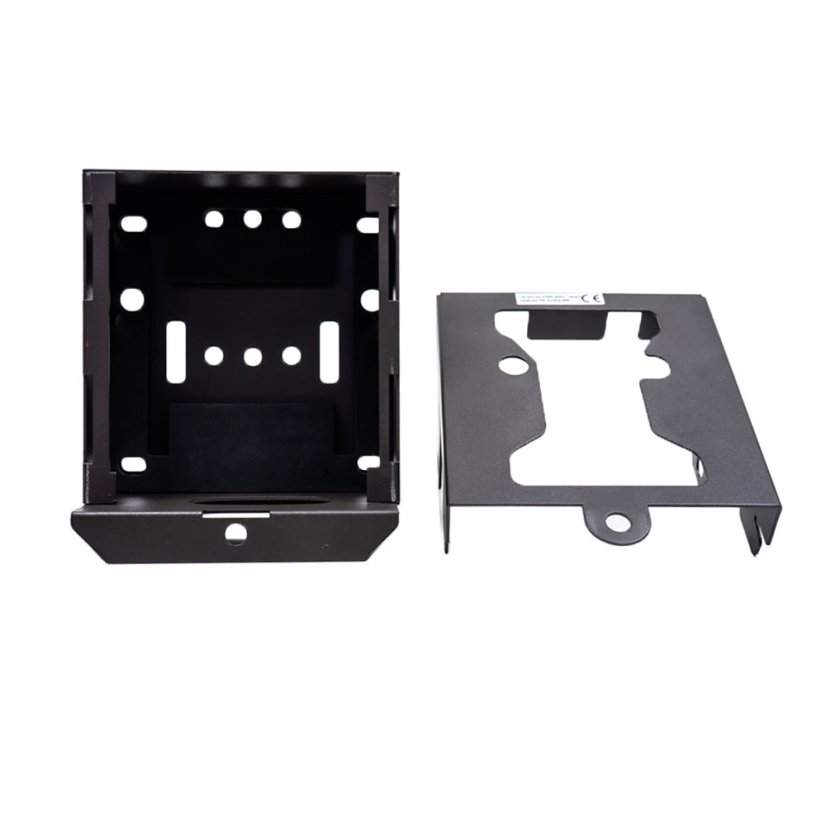
Bezpečnostní kovové pouzdro PNI Safe Lock pro lovecké kamery PNI Hunting 400C PRO a PNI Hunting 480C PRO
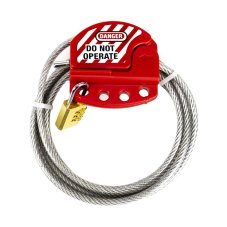
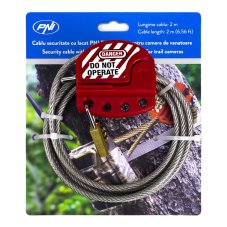
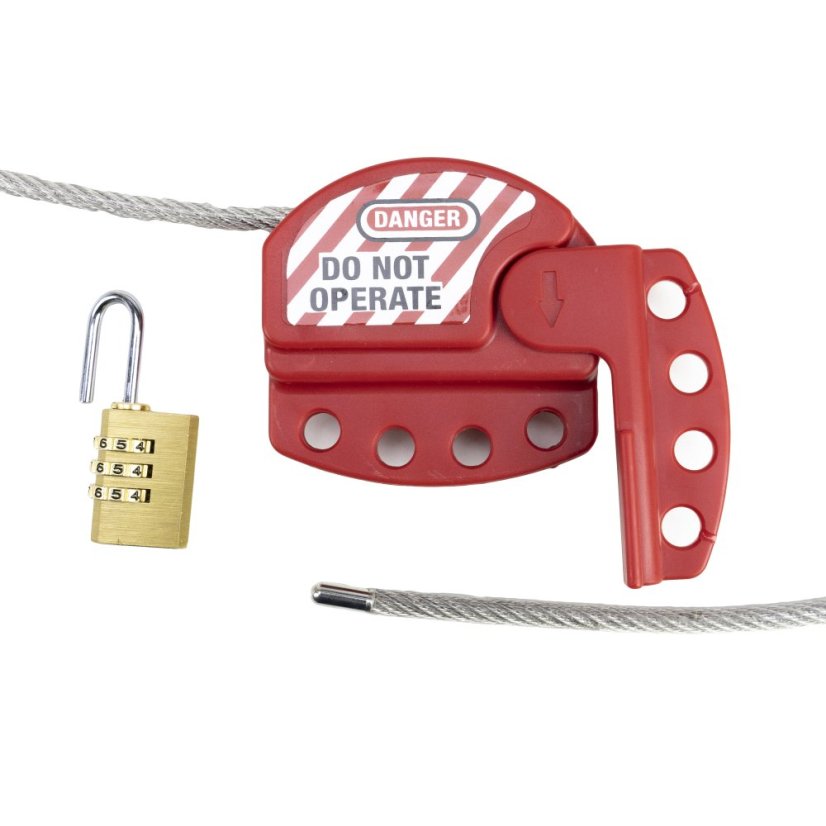
PNI Smart Lock Security Cable with Padlock for PNI 400C, 350C, 280C, and 480C Hunting Cameras
|
|
|
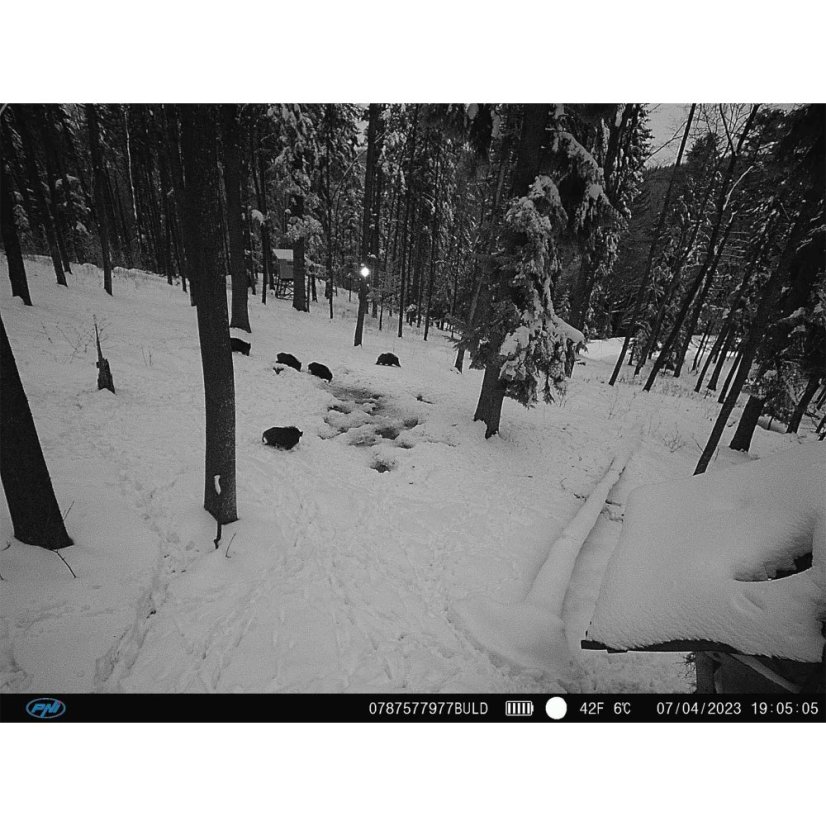
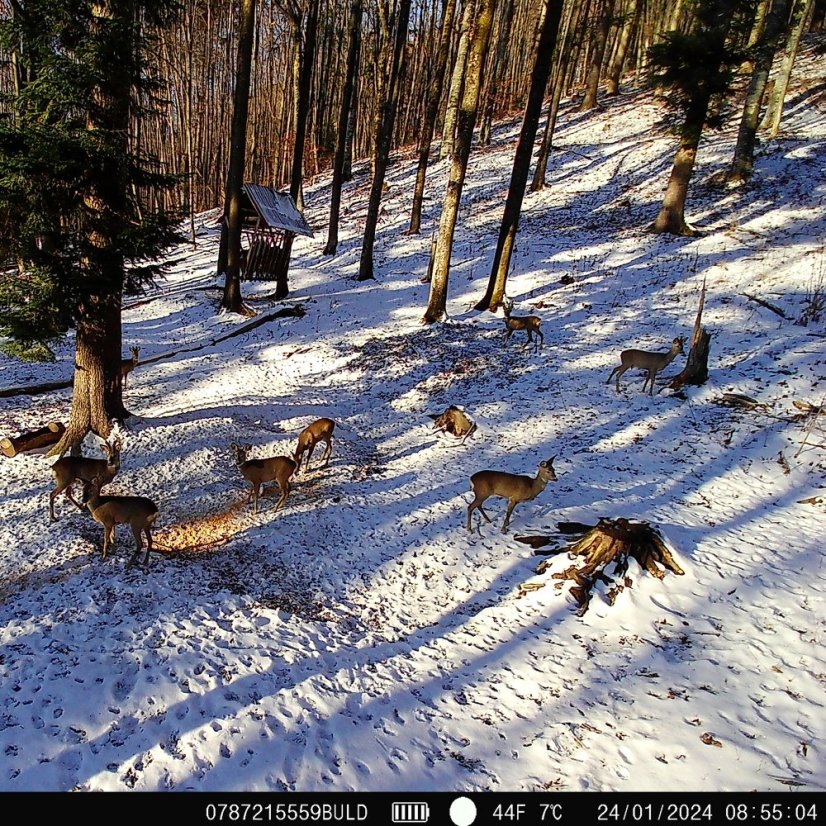
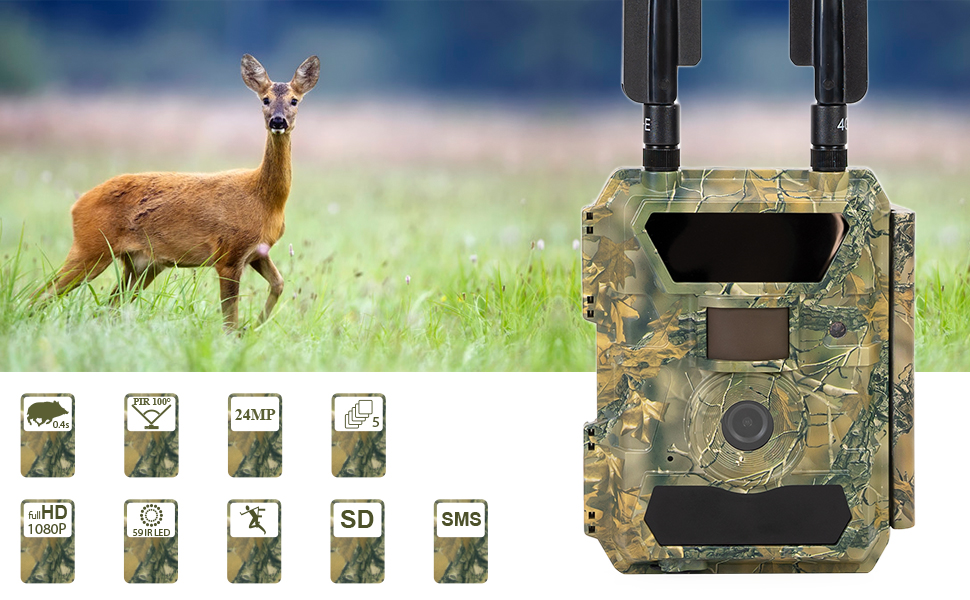
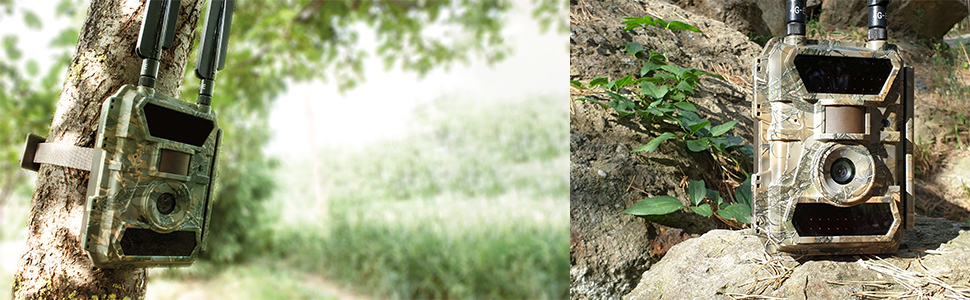
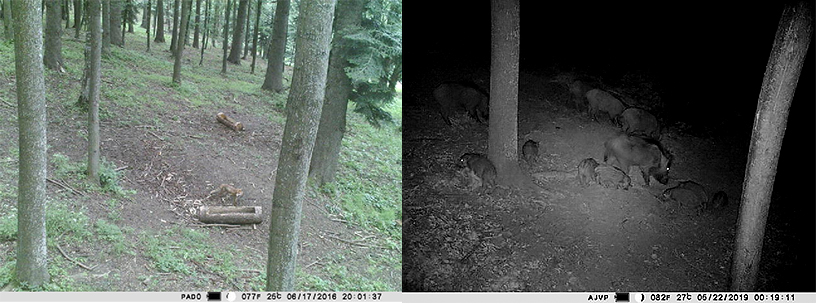
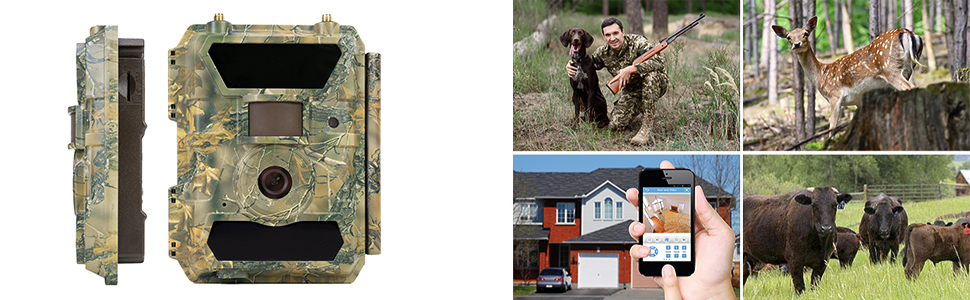
Surprising images reveal the secrets of wildlifeThe built-in motion sensor triggers recording only when the camera detects movement. To avoid false alarms, pay special attention to the location of the camera installation. Remove branches or other elements from its field of view that could cause the camera to be triggered by their movement. The 100-degree PIR angle, 0.5-second shutter speed and a maximum of 5 consecutive photos ensure that all details and the entire action are captured. The color CMOS sensor, 5MP photos, full HD 1080P video recordings in vivid and bright colors during the day (black and white at night) and the multiple shooting mode offer an unforgettable visual experience. Whether you are watching your home, garden or farm, or watching and monitoring the life and habits of wild animals, the PNI Hunting 400C PRO camera is the most suitable solution. With its small size, camouflage-like housing and adjustable brightness LEDs (High/Low), the PNI Hunting 400C PRO hunting camera becomes almost impossible to detect. The IP66 class ensures the camera's protection against dust, rain and moisture.
|
|
|
|
|
Send photo (24MP) and video ( 1080P HD video ) by email or phoneWhen it detects movement, the PNI Hunting 400C PRO hunting camera can send photos to 4 phone numbers via MMS and photos or videos to 4 email addresses via SMTP. Photos sent via SMTP and FTP / FTPS have a selectable size: Small (640x480), Bigger (1920x1440) or Original (5M / 8M / 12M / 24M) depending on the Image Size settings in the camera menu. A new feature is sending via FTPS, a secure way of transmitting photos that ensures encryption and high data security. |
|
|
|
|
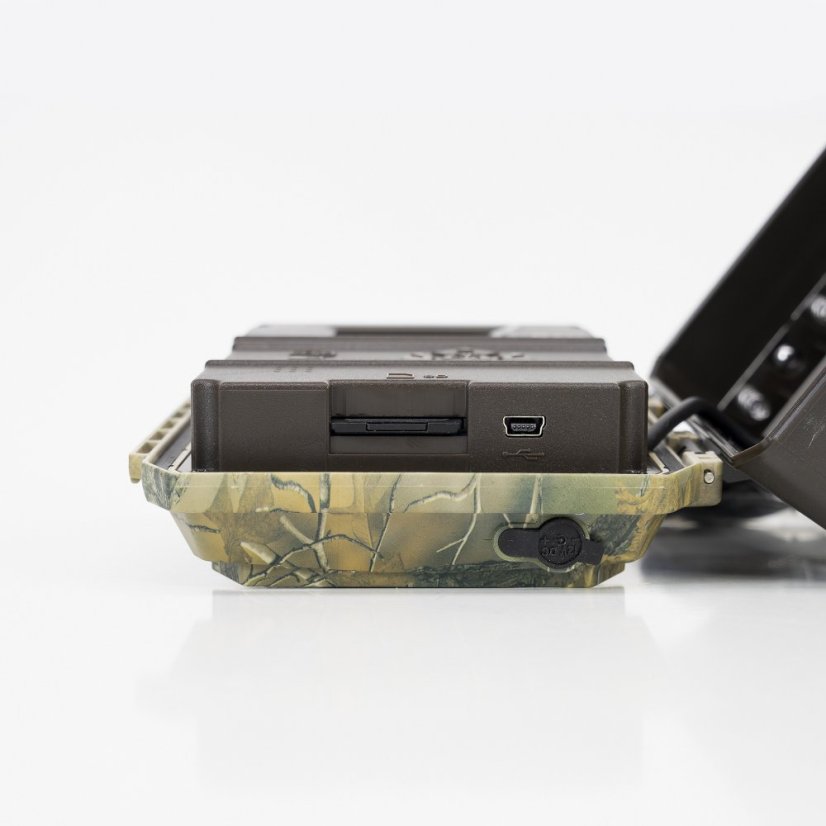
Clear images day and night. "No Glow" infrared technology (no reflection)The PNI Hunting 400C PRO hunting camera has all the tools even an inexperienced user needs: LCD screen for programming the camera, IR LEDs for night recording, motion sensor to activate the camera only when animals pass by, wide-angle lens (100°) and micro SD card slot of up to 32GB for saving recordings (micro SD card not included). Recommendation: format the micro SD card before use.
|
|
|
|
|
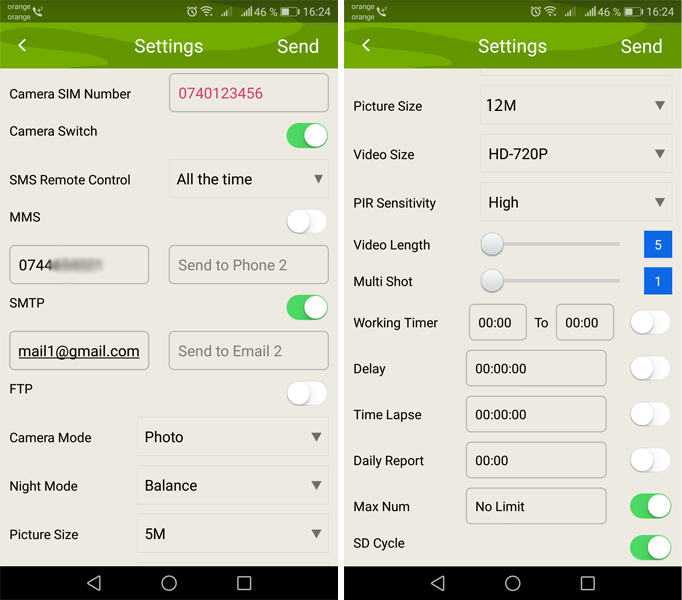
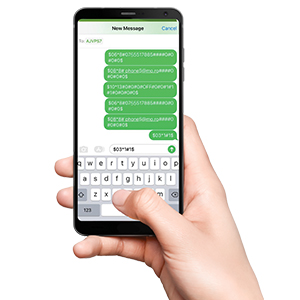
GSM 4G moduleWith the built-in 4G module, with a 4G SIM card, the PNI Hunting 400C PRO sends large-size photos to email and FTP or FTPS server and MMS photos (640x480) to the mobile phone. Through the free Trail Camera application (Android / iOS) , the user can make basic camera settings and obtain real-time images remotely. - Add the SIM card phone number to the Trail Camera mobile app . - Copy the settings below and change only the phone numbers and email address with your own. - Send the settings to the camera by pressing the Send button . - The camera will respond with an SMS "SMS commands executed successfully!" - Give the command from the Get a picture application : and you will receive the same SMS "SMS commands executed successfully!" and an email with the picture taken by the camera. - If it does not work, it means that the product does not have a GSM signal - and the camera must be taken out into the open field. Wait for at least 2 signal bars to appear. At the same time, check the camera settings, carefully consulting the product manual.
|
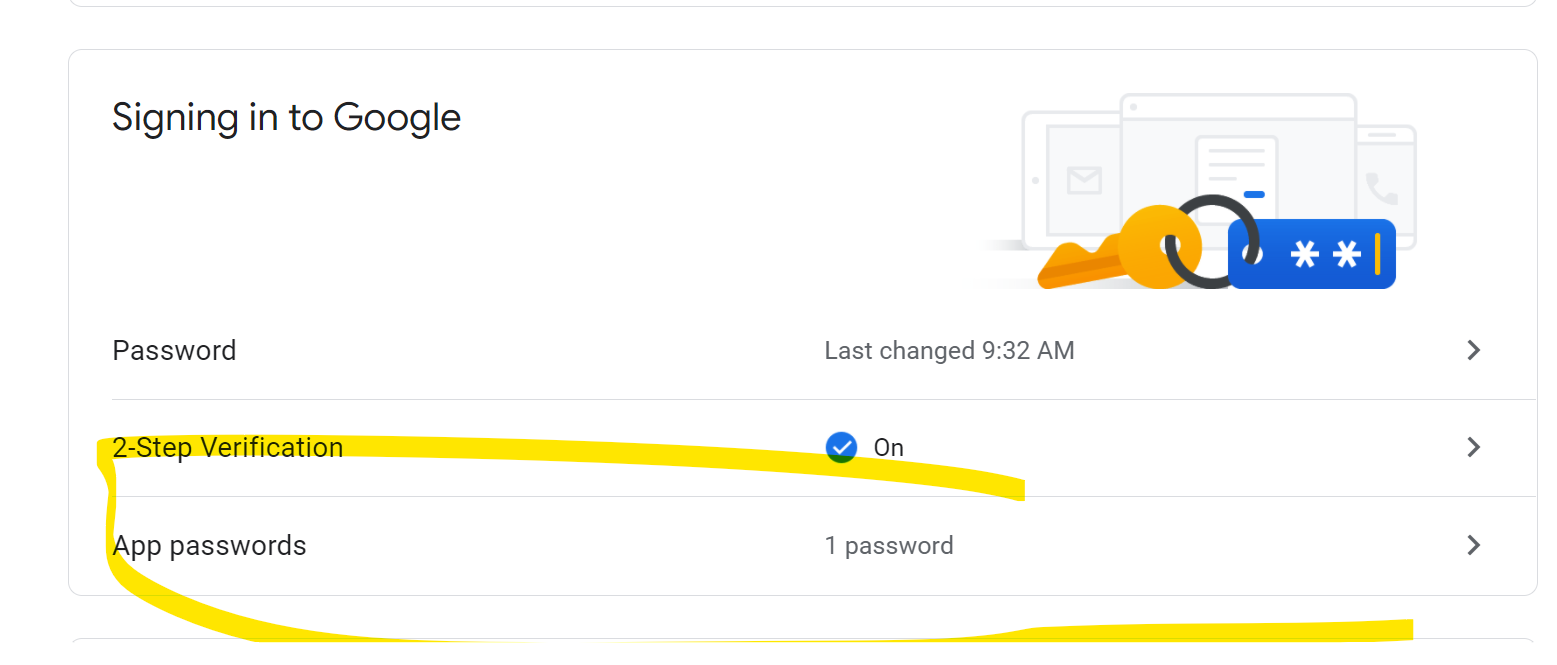
Configure the camera to use a Gmail account
• In your Gmail account, access the "Security" menu and activate the 2FA option.
• The first time you will be asked to confirm by code received via SMS, then switch to 2FA on Google Authenticator (optional)
• After activating 2FA, the 'App passwords' option appears
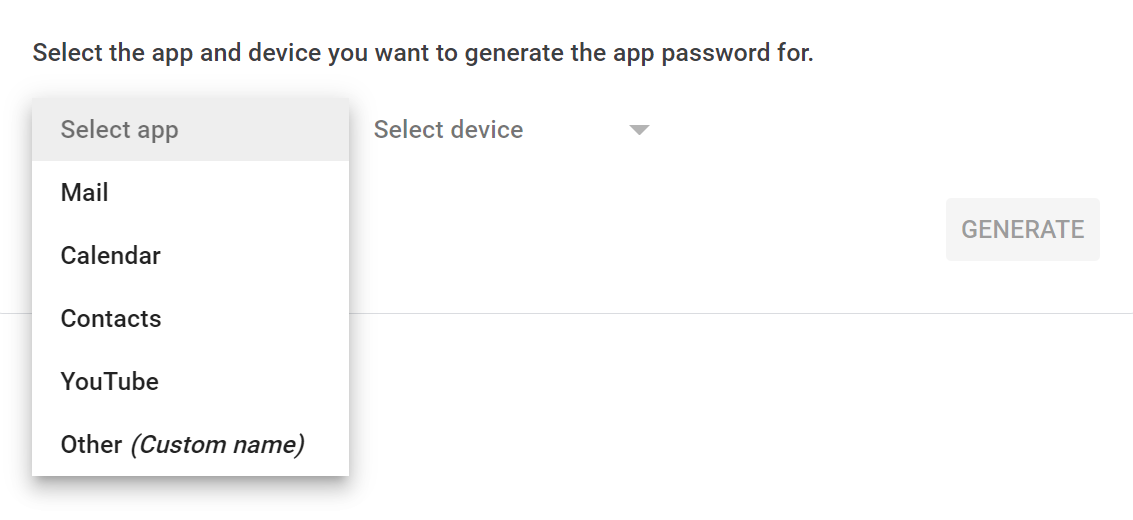
• There we select "Mail" in the app, then in Device "Other" and give it a name
• A password will be generated that can be used instead of the email account password for authentication on a device such as a camera or printer.
Firmware update April 2025
• You can download from here https://s9.ro/2boi the new firmware version that allows changing the camera ID via SMS command.
• You can download from here https://s9.ro/2bt1 the procedure for creating SMS commands that can be sent to the hunting camera.
• You can download the Trail Camera app for Android here .
Firmware update procedure:
1) Unzip the firmware upgrade package to the SD card
2) Copy the 2 files in the software upgrade package to the root directory of the camera’s SD card. After copying, reinsert the SD card into the camera
3) Turn on the camera and enter the Setup menu, then click Menu to enter Menu—>Other—>FW Upgrade—>Software—>yes
4) The screen interface will display “Please wait...”, which means the software upgrade is in progress. At this time, make sure not to cut off the power and do not turn off the camera during the procedure.
5) After the upgrade is completed, the camera will automatically restart. You can check whether the software version is correct from Menu—>About—>Long press the right arrow button for 10 seconds -> If the code “5MR3POwF334” appears on the screen. The SD card software upgrade is complete;
Common SMS commands after this firmware update version:
1) Activate camera ID: $01*27#1#3#2#5#1#2#0#1#0#1#0#0#0#0#OFF#OFF#OFF#OFF#1#0#1# MYCAMERA000001 #OFF#0#0#0#0$
2) SD card format: $21*1#1$
3) GPS ON: $10*13#0#0#0#OFF #1 #0#1#1#1#0#0#0#0$
4) PIR sensor OFF: $01*27#1#3#2#5#1#2#0#1#0#1#0#0 # 1 #0#OFF#OFF#OFF#OFF#1#0#1#OFF#OFF#0#0#0#0$
5) Restart the camera:
$14*1#1$
6) Email Settings:to receive emails
Default parameter:
$08*8#email1#email2#email3#email4#0#0#0#0$
7) Set the email server: to send emails
$07*5#mail.gmail.com#5550# camera1@gmail.com #passwordxxx#2$
PNI-CASE400C - PNI Safe Lock metal security case for PNI Hunting 400C PRO and PNI Hunting 480C PRO hunting cameras
|
|
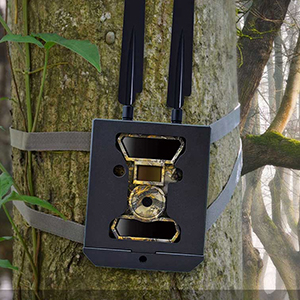
Protective and vandal-proof metal casing for the PNI Hunting 400C hunting cameraThe security case for the hunting camera is specially designed to protect the PNI Hunting 400C hunting camera model. The case is designed to protect the camera from mechanical shocks, blows, falls, or other unpleasant events. It features a fastening system on the back that is subsequently secured with a padlock (any small padlock available on the market) for high protection. |
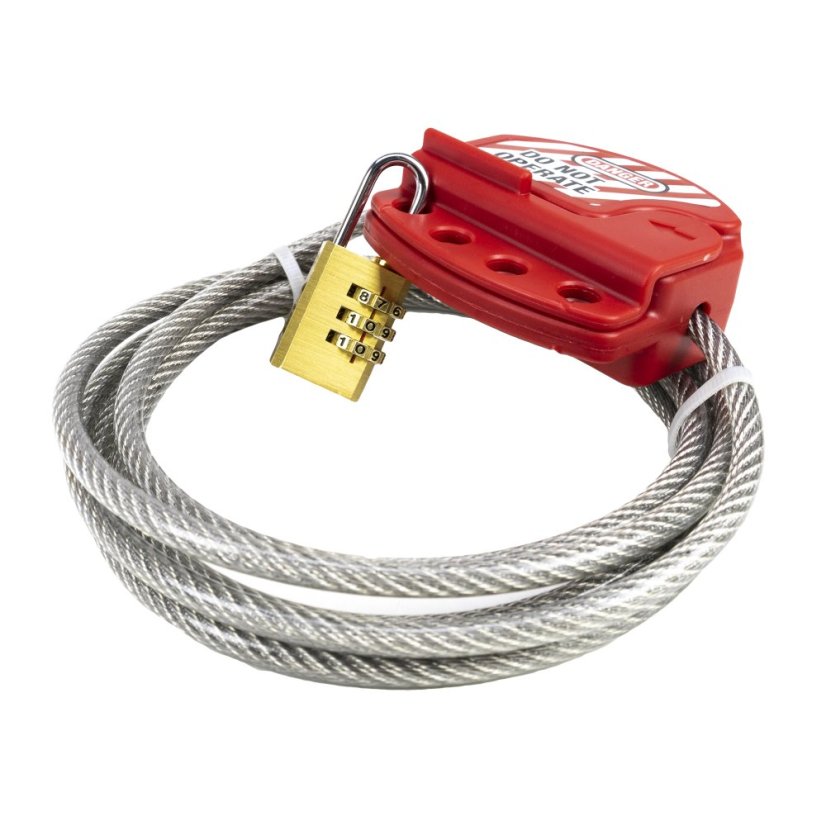
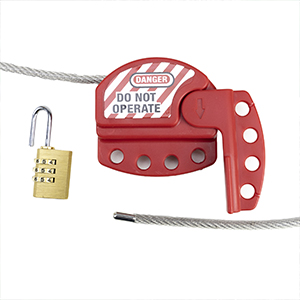
Optional additional securityThe anti-vandal housing can be optionally secured with the product that can be purchased separately: PNI Smart Lock security cable with padlock for hunting cameras . The locking system of this product is simple and allows the 2-meter-long steel rope to be locked in the special carabiner using a combination lock. |
|
PNI-LK-HUNTC - Security cable with PNI Smart Lock padlock for PNI 400C, 350C, 280C, 480C hunting cameras
|
|
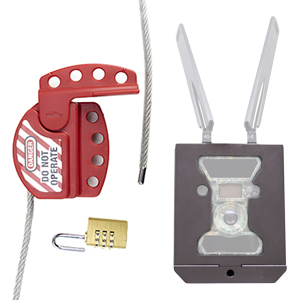
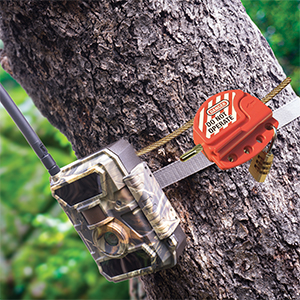
Increased safety for hunting cameras and moreThe PNI SmartLock security cable brings a high degree of security to protect hunting cameras placed in the forest, on trees or in any other location. Being a security system, it can also secure other goods such as bicycles, scooters, etc. |
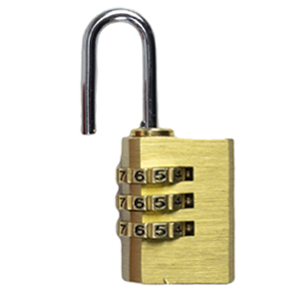
Simple locking system with padlockThe locking system is simple and allows the 2-meter-long steel rope to be locked in the special carabiner. The included padlock is removable and allows changing the unlock code extremely easily. Of course, the padlock can be replaced with other similar locking solutions as needed. |
|
|
|
Lock configurationThe lock comes with the factory unlock code 0-0-0. Align the 0 of the 3 wheels with the red line on the lock to unlock the lock. To lock, bring the lock to the closed position and randomly turn the 3 wheels. Change padlock code 1. Unlock the padlock: Adjust the 3 number wheels so that the zero (0) is collinear 0-0-0 with the red line on the padlock. 2. Pull the padlock tab vertically to open it and rotate the tab 180 degrees counterclockwise. 3. Press the ear of the padlock into its body. 4. With the lock ear pressed, change the 3 wheels to obtain another password, as desired by you. Write down the password in a notebook or special place for passwords to remember it in case you forget it. 5. Release the lock tab and rotate it 180 degrees back to the original locked position. Rotate the 3 rollers to lock the lock. The procedure is successful and you have now changed the password. Verify the password and open the lock with the new password. If you want to change the password again, repeat the steps above. |
| Category / Parameter | Value |
|---|---|
| Product identification | |
| Manufacturer | PNI |
| Product code | PNI-HU400PRO |
| Color | Camouflage |
| Features | |
| Image sensor | 5MP color CMOS |
| Night vision | up to 20 m |
| Lens | F=3.0; 100° FOV |
| LCD display | 2 inch |
| IR LEDs | top: 27 pcs / bottom: 32 pcs |
| Image format | JPEG |
| Video format | AVI |
| Video duration | 5–60 sec (adjustable) |
| Trigger speed | 0.4 sec |
| Trigger interval | 4–7 sec |
| Operating temperature | -26°C ~ +80°C |
| Dimensions | 115 × 74 × 147 mm |
| Weight | 420 g |
| Power supply | 12× AA batteries / DC 12V |
| Battery types | Alkaline / Li-Ion / NiMH |
| Minimum illumination | 0 Lux |
| GPRS | Yes |
| MMS | Yes |
| Protection class | IP66 |
| Motion sensor | Yes |
| Photo resolution | 24MP (5632 × 4224) |
| Video resolution | 1080P (1920 × 1080) |
| Instant image sending | Yes (email, MMS, FTP) |
| Microphone | Yes |
| Mode | Photo / Photo+Video / Video |
| Day/Night sensor | Yes |
| PIR distance | up to 20 m |
| PIR angle | 100° |
| Burst mode | 1–5 photos |
| Remote control | Yes, via SMS |
| App | TrailCamera |
| Viewing angle | 100° |
| Connectivity | |
| USB | Yes |
| Card slot | SD up to 32 GB |
| SIM slot | Yes |
| Package content | |
| Hunting camera | Yes |
| USB–miniUSB cable | Yes |
| Strap cord | Yes |
| GPRS antenna | Yes, 2 pcs |
| Mounting strap | Yes |
| SIM adapter | Yes |
| Category / Parameter | Value |
|---|---|
| Product identification | |
| Product code | PNI-CASE400C |
| General features | |
| Color | Brown |
| Type | Metal housing for hunting cameras |
| Dimensions | 130 × 85 × 170 mm |
| Category / Parameter | Value |
|---|---|
| Product identification | |
| Product code | PNI-LK-HUNTC |
| General features | |
| Color | Grey with red |
| Accessory type | Security cable with lock |
| Cable length | 2 m |
| Cable material | Steel |
| Cable diameter | 6 mm |
| Protection rating |

|
|---|---|
| Voltage | 12V, Akumulátor |
| Connection type |

|
| Use | Outdoor |
| Special Features |

|
| Resolution | 5mp, 12MP |
| Maximum resolution | 1920 × 1080 |
| Application | TrailCamera |
| Memory | Slot SD max32gb |
| Viewing angle | 100° |
| Lighting | Infračervené |
| Manufacturer's representative in the EU | PNI |
|---|---|
| Address of representative in the EU | Olteniei 26A, Piatra Neamt, Romania |
| EU representative email | contact@pni.ro |
Related products3
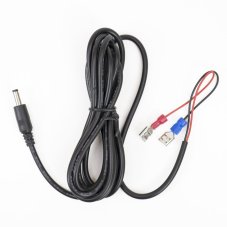
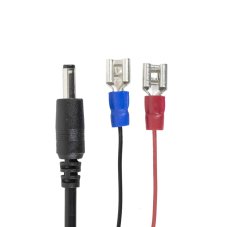
Battery power cable for trail cameras, length 1.5 m, plug diameter 4 mm, compatible with PNI 400C, PNI 350C, PNI 280, 400C PRO, and 550C.
PNI Smart Lock Security Cable with Padlock for PNI 400C, 350C, 280C, and 480C Hunting Cameras
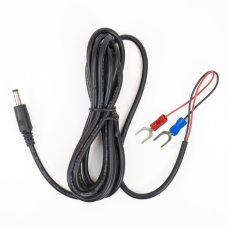
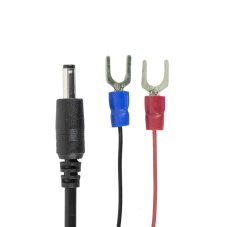
Battery power cable for hunting cameras, 1.5 m long, U-type connectors
Alternative products4
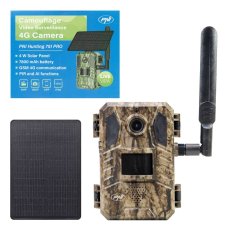
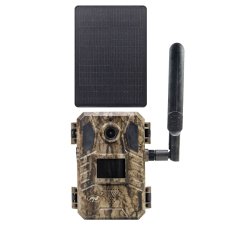
PNI Hunting 751 PRO Camouflage Video Camera, 16MP, 4G LTE, Night Vision, Battery, Solar Panel, Invisible LEDs for Animals, IP66
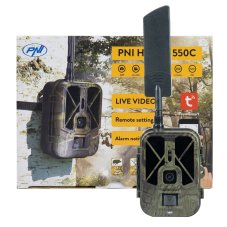
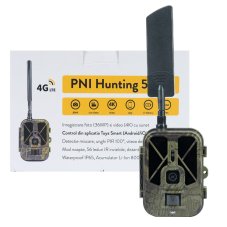
PNI Hunting 550C Game Camera with 4G LTE Internet Connectivity, including an 8000 mAh rechargeable battery
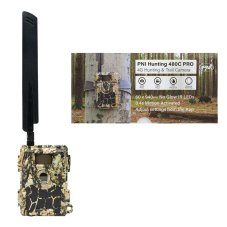
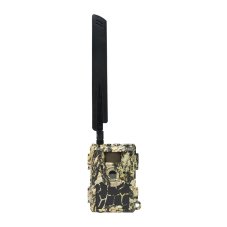
PNI Hunting 480C PRO Game Camera, 24MP, with 4G Internet, GPS, 60° field of view